Go to Project Settings
Open Integrations
Select Aircall
Click Connect and complete the Aircall authorization (OAuth) flow
Once the connection is completed, the integration is ready to use immediately.
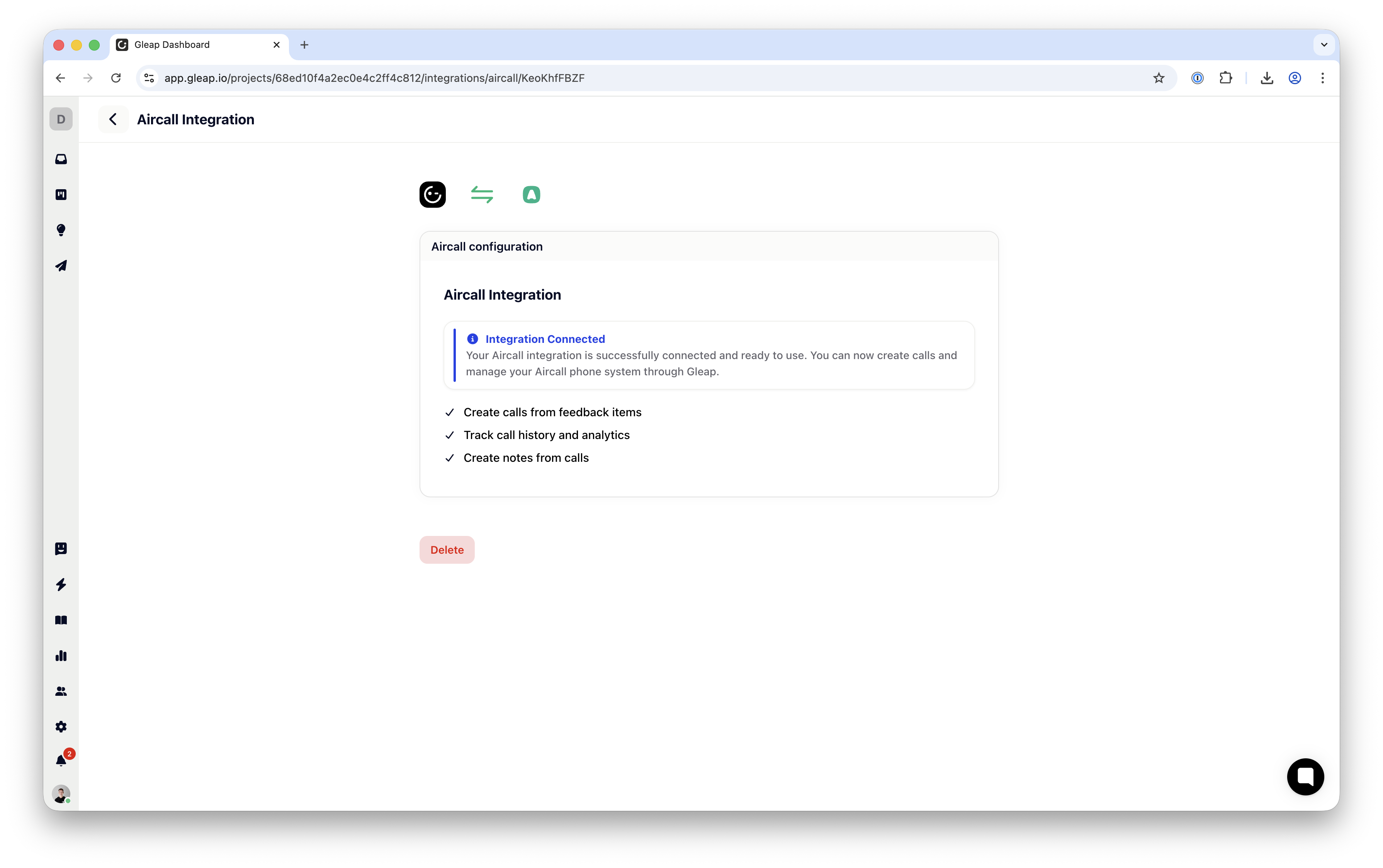
After Aircall is connected:
Gleap automatically starts receiving call events from Aircall
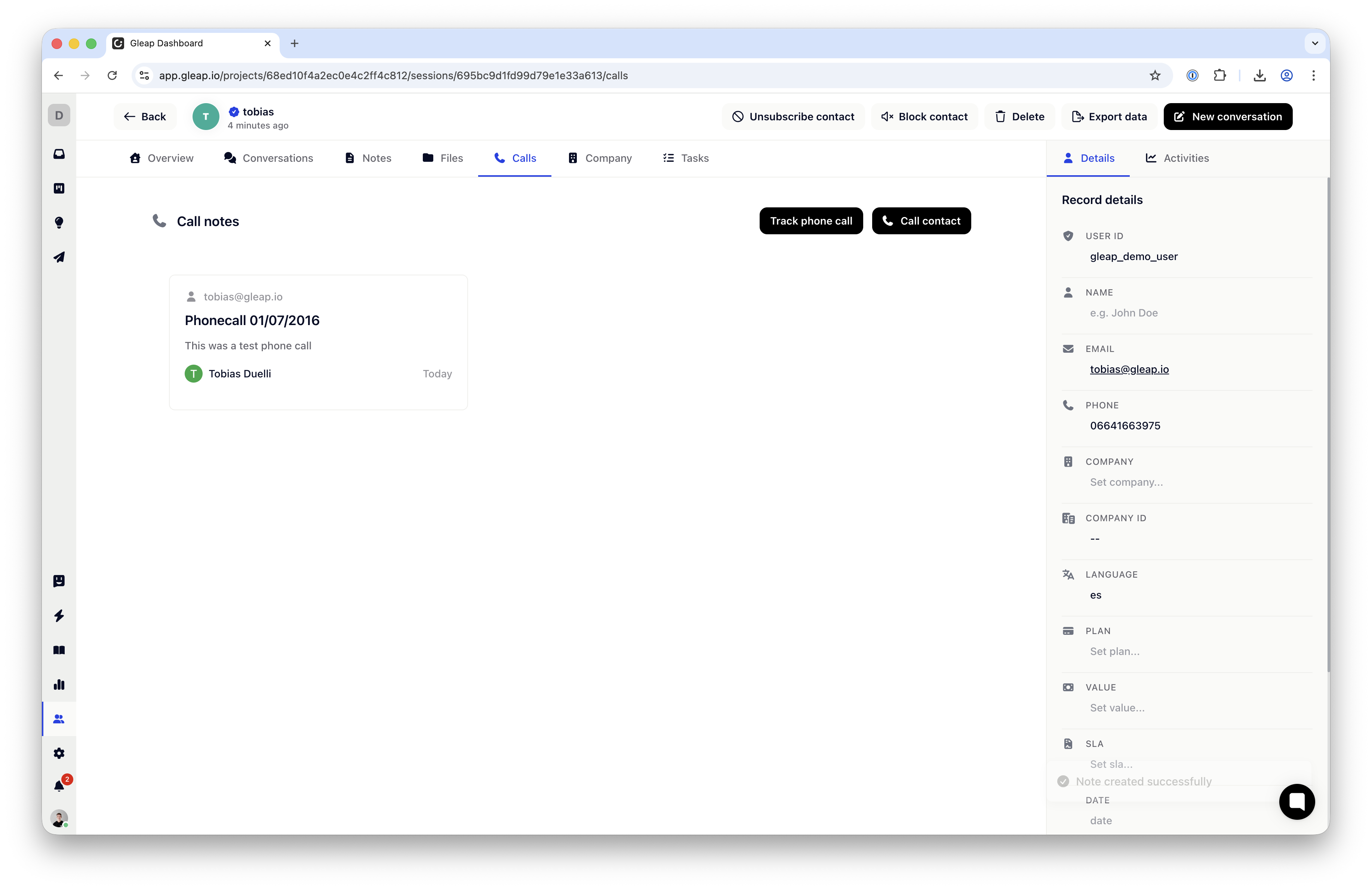
Every call is saved as a note on the related customer
Call information is added automatically, so your team always has full context
No additional setup is required.
You can place calls directly from Gleap:
Open a Customer
Click Call customer
The call will automatically start in Aircall.
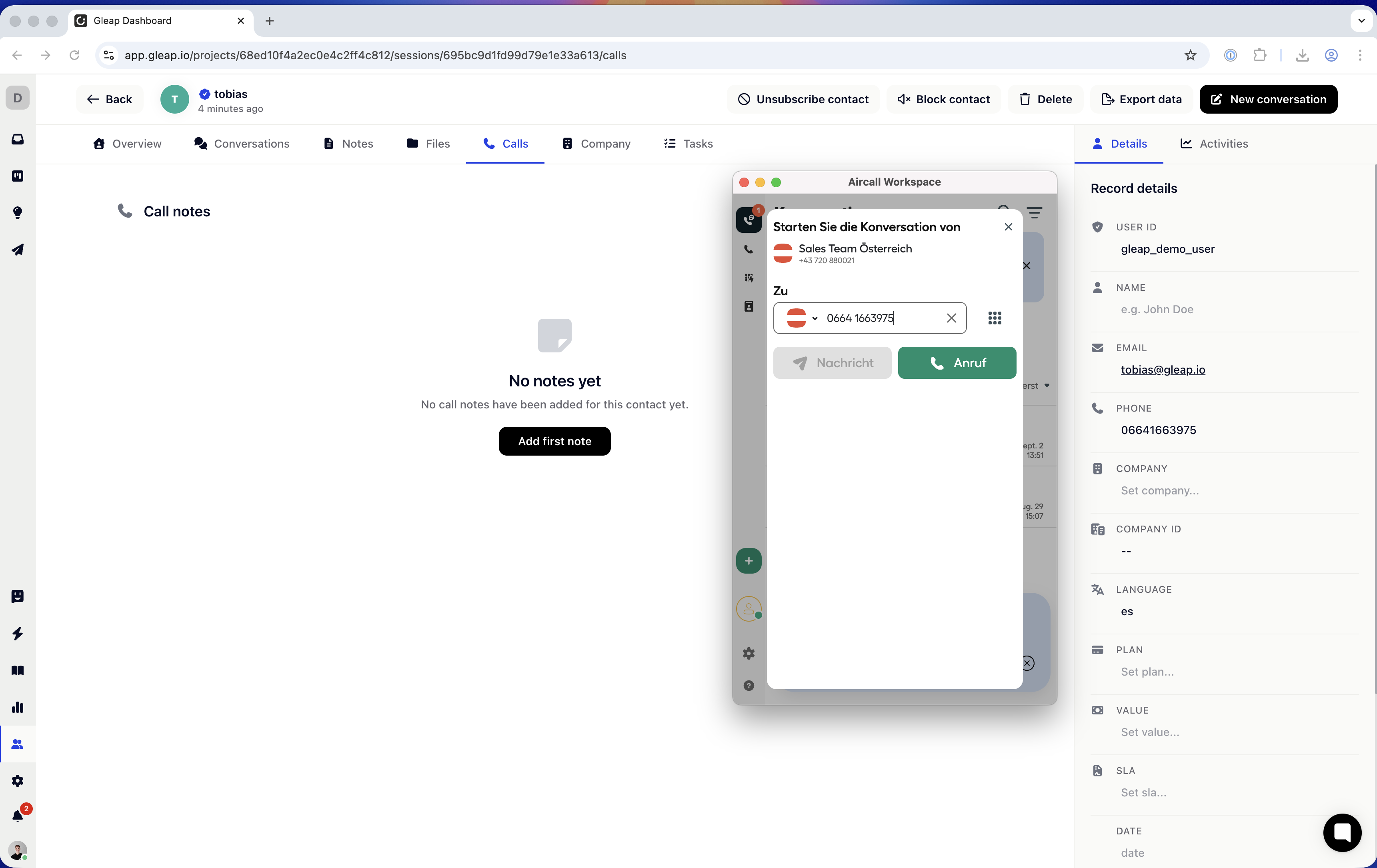
Important:
To use this feature, you need to:
Have the Aircall desktop app installed
Keep the Aircall desktop app open while calling
Call notes are created automatically for every Aircall call
You can edit existing notes at any time
You can also add notes manually if needed
This allows your team to keep all call-related information up to date and easy to find.