You can find all customization options in the Gleap dashboard under Feedback portal → Settings → SEO & customization.
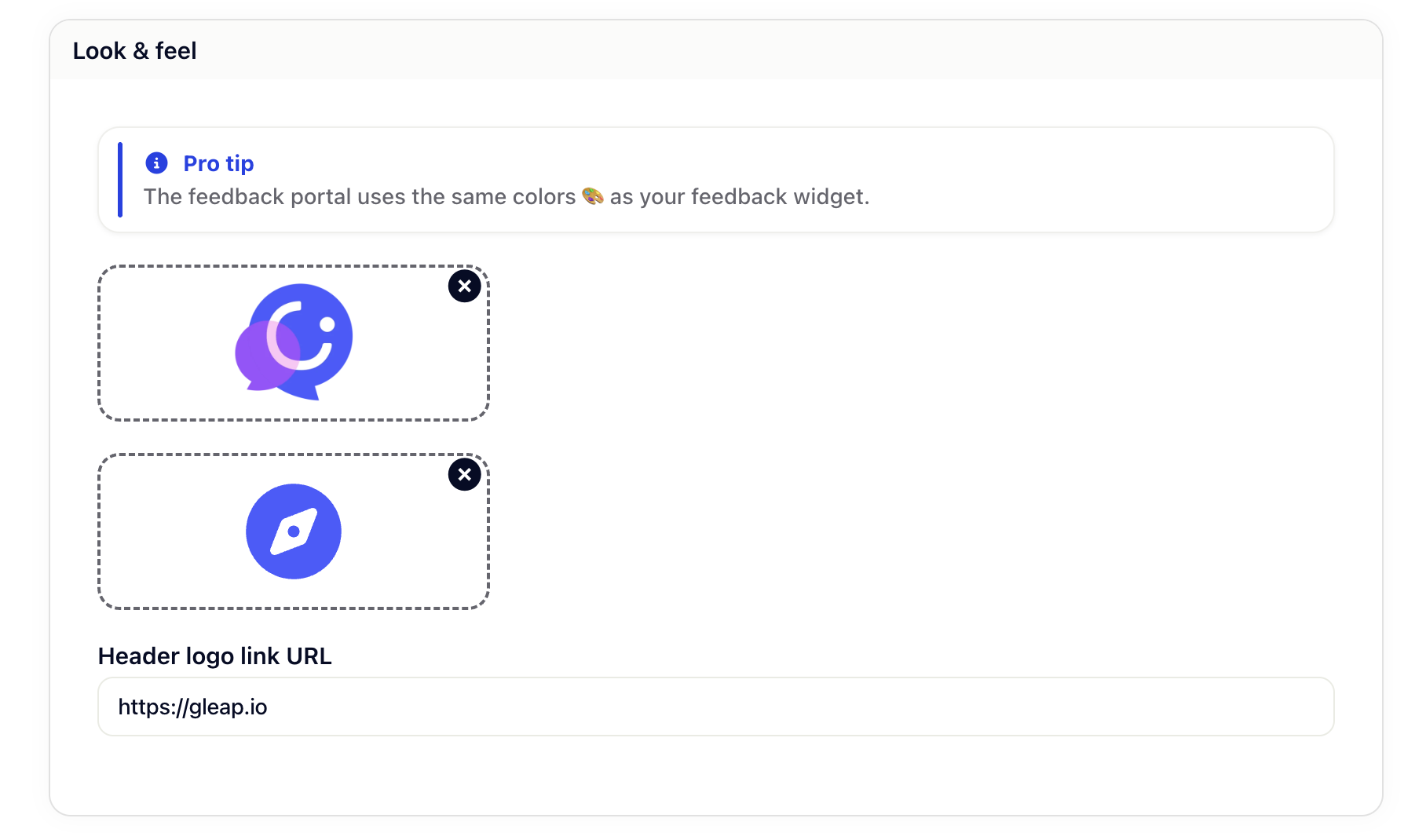
Your feedback portal automatically inherits the color scheme from your feedback widget. No extra configuration needed — if you've already customized your widget colors, your portal will match.
Upload your logo to appear in the feedback portal header. This helps reinforce your brand identity and makes the portal feel like a natural extension of your product.
Recommended: Use a transparent PNG for the best results across different backgrounds.
Set a custom favicon that appears in browser tabs when users visit your feedback portal. This small detail helps users recognize your portal among their open tabs.
Make your logo clickable by adding a URL. Most teams link back to their main website or product homepage, giving users an easy way to navigate back.
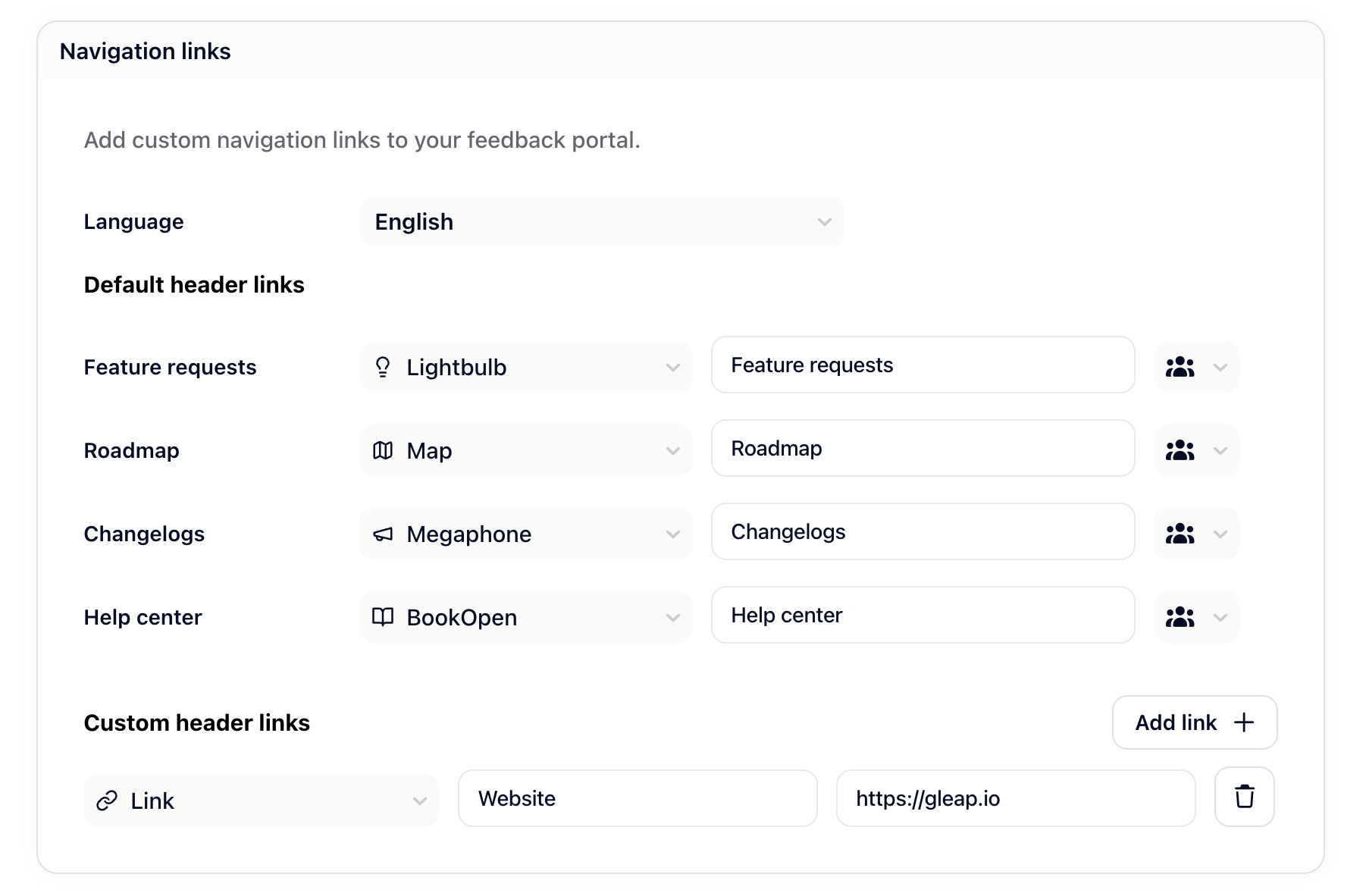
You can fully customize the navigation links that appear at the top of your feedback portal — both the default ones and any additional links you'd like to add.
The three default navigation items — Feature requests, Changelogs, and Roadmap — are always present in your portal. For each of them, you can:
Change the icon — Pick from a set of built-in icons (e.g., ListChecks, Megaphone, Map) to best represent the section.
Customize the label — Edit the display text shown to your users. You can also switch the language using the English dropdown to provide localized titles for different audiences.
Beyond the defaults, you can add your own navigation links to point users to any external resource — such as your help center, documentation, or website.
To add a custom link, click Add link + and fill in:
Icon — Choose an icon to visually identify the link.
Title — The label shown in the navigation (supports localization via the language dropdown).
URL — The destination the link points to.
You can add as many custom links as needed, and remove any of them at any time using the trash icon.
By default, SEO indexing is enabled, meaning search engines like Google can discover and index your feedback portal. This helps potential users find your portal when searching for your product's roadmap or feature updates.
If you prefer to keep your portal private from search engines (while still being publicly accessible via direct link), you can disable indexing. This adds a noindex meta tag to your portal pages.
Gleap automatically generates SEO-optimized static pages for your feedback portal. You can access your portal's sitemap at:
https://your-subdomain.gleap.feedback/sitemap.xmlOr if you're using a custom domain:
https://your-custom-domain.com/sitemap.xmlThe sitemap helps search engines efficiently crawl and index your content.
Need to integrate analytics, tracking pixels, or other third-party tools? Paste your code snippets (like Google Analytics, Mixpanel, or custom scripts) into the custom code field, and they'll be included on every page of your feedback portal.
Common use cases:
Analytics and tracking (Google Analytics, Plausible, Fathom)
Marketing pixels (Facebook Pixel, LinkedIn Insight Tag)
Live chat widgets
Custom styling or behavior with JavaScript
The feedback portal supports URL parameters that get added as CSS classes, making it easy to customize the appearance for different contexts.
For example, if you embed your portal with ?mode=embed, you can target it with custom CSS:
.mode-embed {
  /* Your custom styles for embedded view */
  padding: 0;
  background: transparent;
}
This is especially useful when embedding the portal in an iframe or displaying it alongside your product's UI.