The workflow debugger lets you try a workflow end to end in the real messenger, right from the builder. You see exactly what your customers would see, follow each block as it runs, and test as a guest or as a specific contact, all without publishing.
Open the workflow you want to test in the builder.
Click Test in the top right.
A panel opens on the right with the messenger inside it.
Choose who you want to test as (see below).
Click Save & run. Your latest changes are saved and the workflow starts in the messenger.
Interact with the messenger just like a customer would.
To try again after a change, click Save & restart. It saves your edits and starts a fresh run.
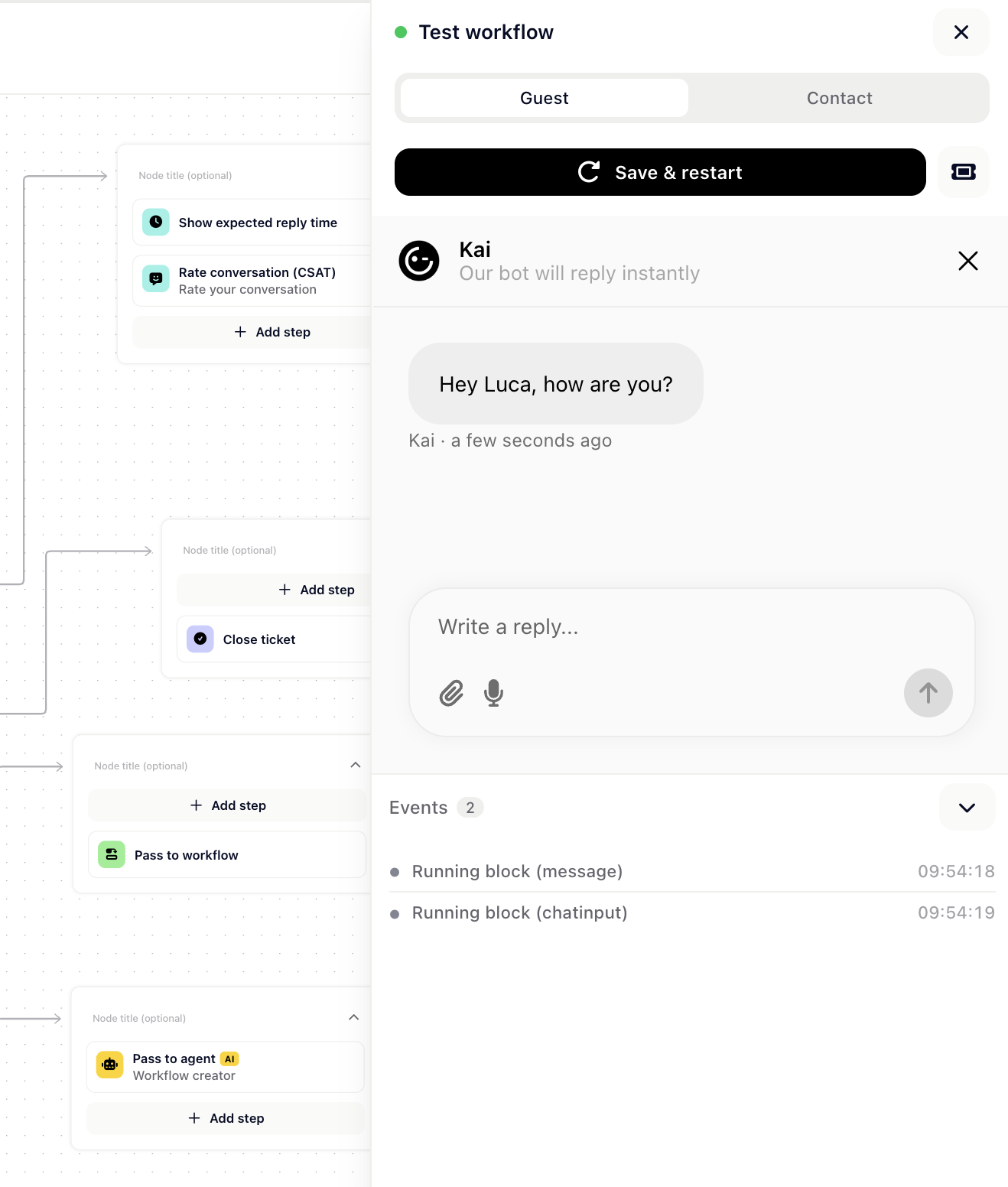
At the top of the panel you can switch between two modes:
Guest runs the workflow as a brand new, anonymous visitor.
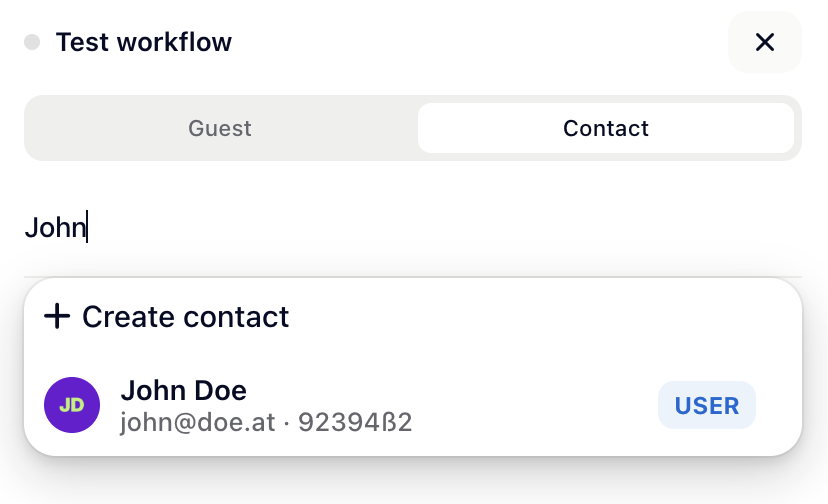
Contact runs it as one of your existing contacts. Search for a contact and select them to test targeting, conditions and anything that depends on customer data.
While the workflow runs, the builder highlights the block that is currently executing, so you can follow the exact path it takes.
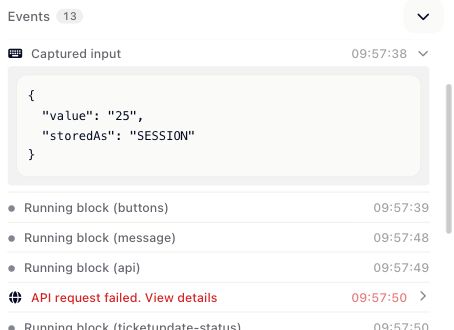
Below the messenger, the Events list streams what happens at each step in real time: which blocks run, which branch a condition takes, what an API action returns, and more. Click any event with an arrow to expand it and inspect the details.
Every run creates a real conversation in your inbox, marked with a Test badge so you can tell it apart from the rest. Open it any time using the ticket icon in the debugger.
Tip: Test runs behave like real conversations, so AI steps and actions really execute. When testing as a contact, pick one you don't mind sending test messages to.

