Custom widgets let you display your own live, personalized content inside the Gleap messenger. Instead of being limited to Gleap's built-in modules, you point Gleap at one endpoint on your backend, and Gleap renders whatever that endpoint returns as cards on the messenger home screen and as tappable detail views.
Because the content comes from your own systems, you can surface almost anything that is useful to the signed-in user, for example:
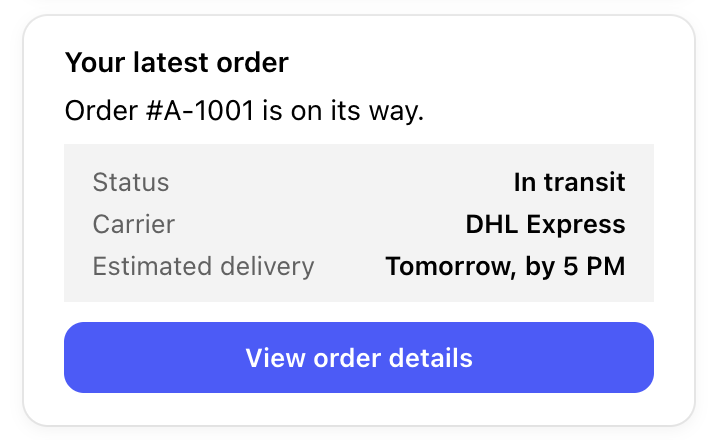
The status of their most recent order or shipment:
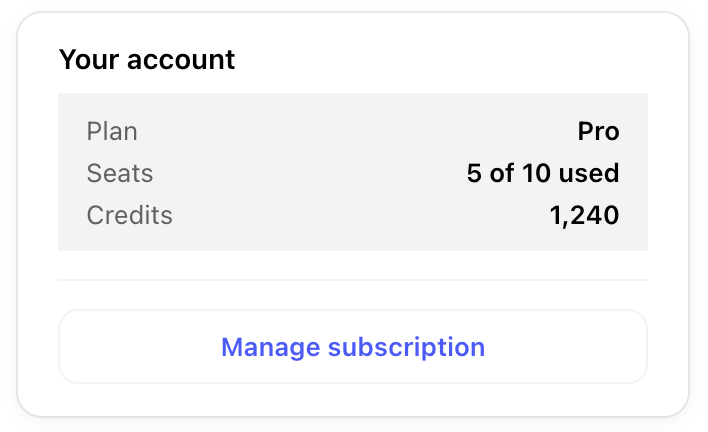
Their current plan, subscription, or usage:
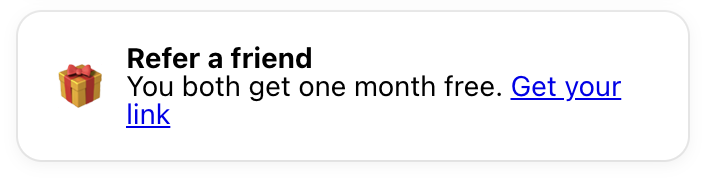
Account details, credits, or loyalty points:
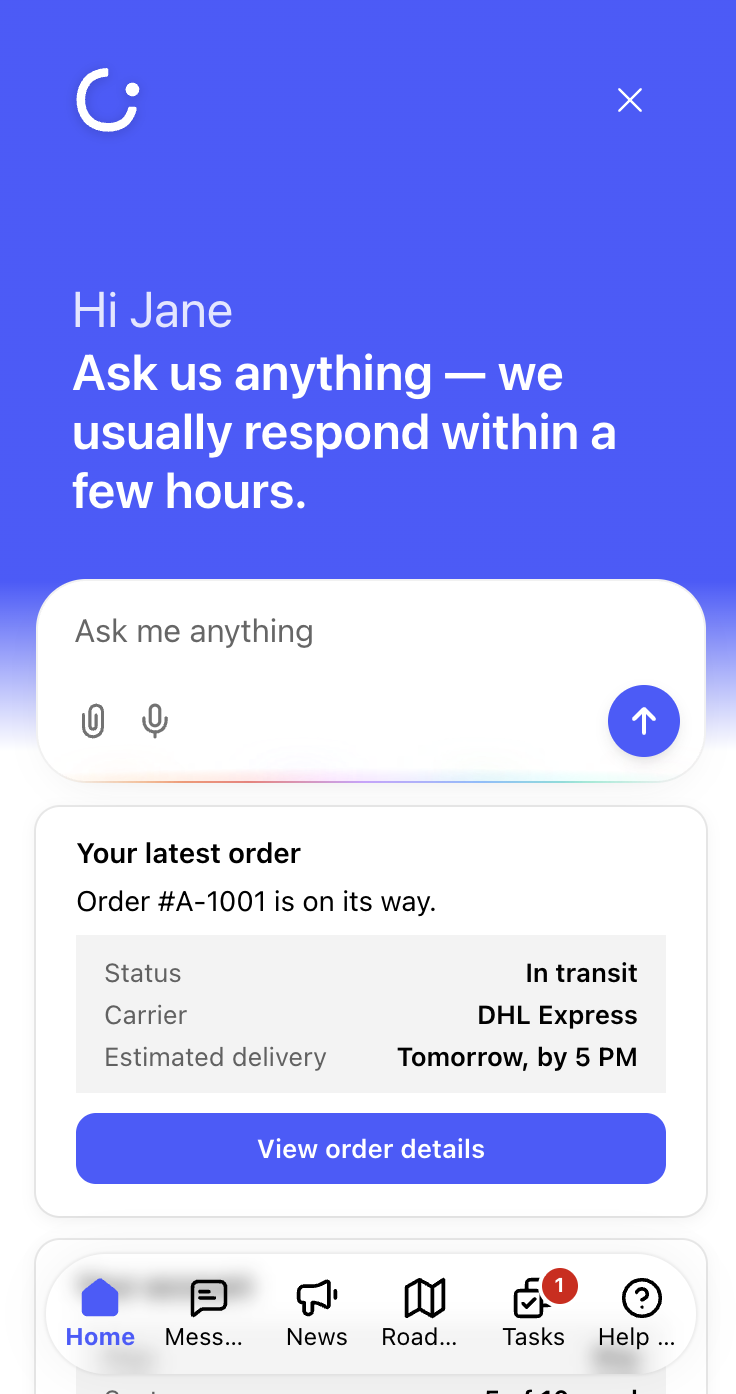
On the home screen: your custom cards show at the bottom of the messenger home, each with an optional title.
In detail views: buttons on a card can open a full detail page inside the messenger, so users can drill into a specific order, ticket, or record without leaving the chat.
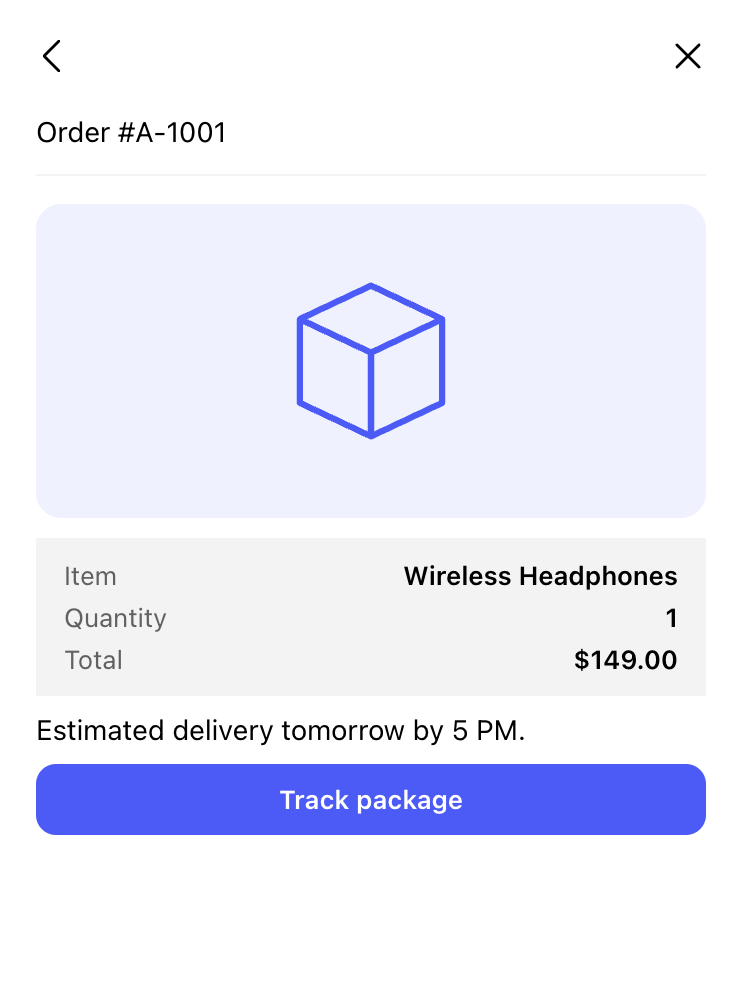
Content is fetched per user, so each person sees information that is relevant to them. If your endpoint returns nothing for a given user, the section is hidden automatically.
You (or a developer on your team) build a single endpoint on your backend.
You add that endpoint's URL in Gleap.
When a signed-in user opens the messenger, Gleap securely calls your endpoint with that user's context and renders the response.
Gleap calls your endpoint from its servers, not from the browser, so your URL and any secrets you add stay private.
You need admin access to your Gleap project.
Go to Settings → Channels → Widget → Custom widgets.
Turn on Enable custom widgets.
Enter your API URL (for example https://your-backend.example.com/gleap).
Optionally add Custom headers, such as an authorization token, so your endpoint can verify that requests come from Gleap.
Click Save.
Custom widgets require a developer to build and host the endpoint. Gleap handles the display, security, and delivery; your endpoint decides what to return.
Personalization and access control are up to your endpoint. Gleap tells you which user is asking, and you decide what they see.
Ready to build your endpoint? See the full API reference in https://help.gleap.io/en/articles/225-custom-widgets-developer-guide-the-endpoint-api-🛠

