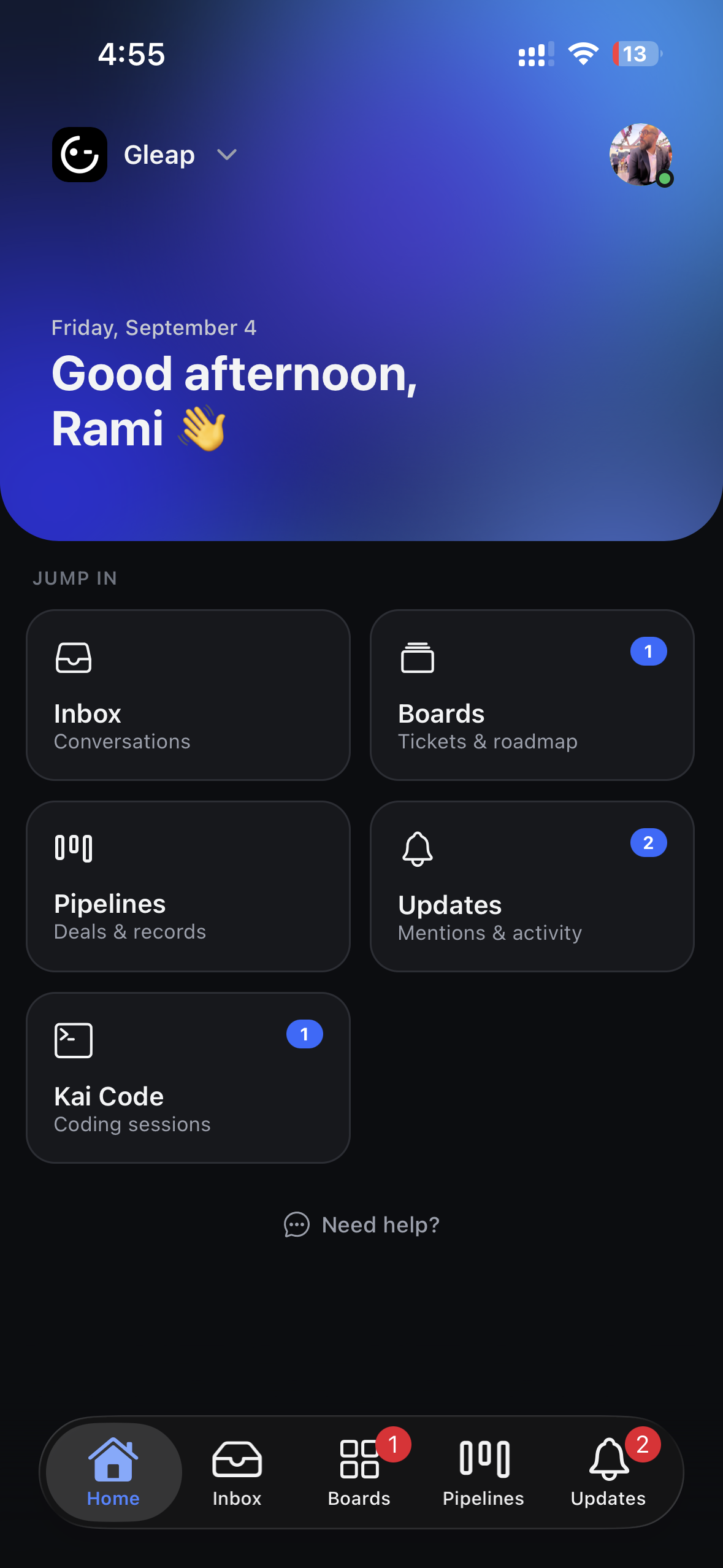
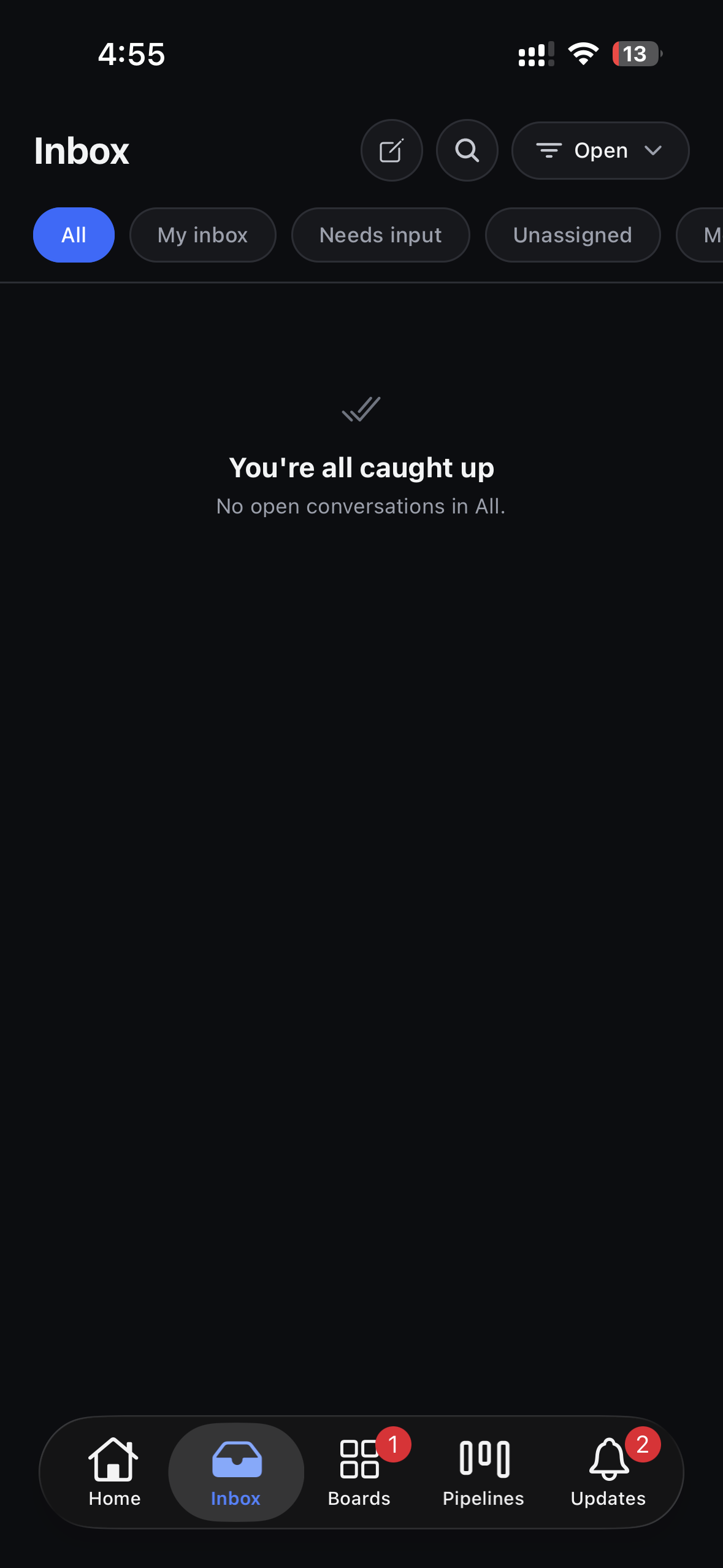
Gleap has a native app for iPhone, iPad, and Android. It carries the parts of your work that shouldn't wait until you're back at a desk: replying to customers, triaging what came in, and following Kai Code sessions through to a pull request.
On iPhone and iPad, get Gleap Dashboard from the App Store. On Android, get Gleap from Google Play.
Sign in with the same account you use on the web — a passkey, a one-time email code, or your company's single sign-on (SSO). There is no separate app password. If you work across several Gleap workspaces, you can switch between them in the app without signing in again.

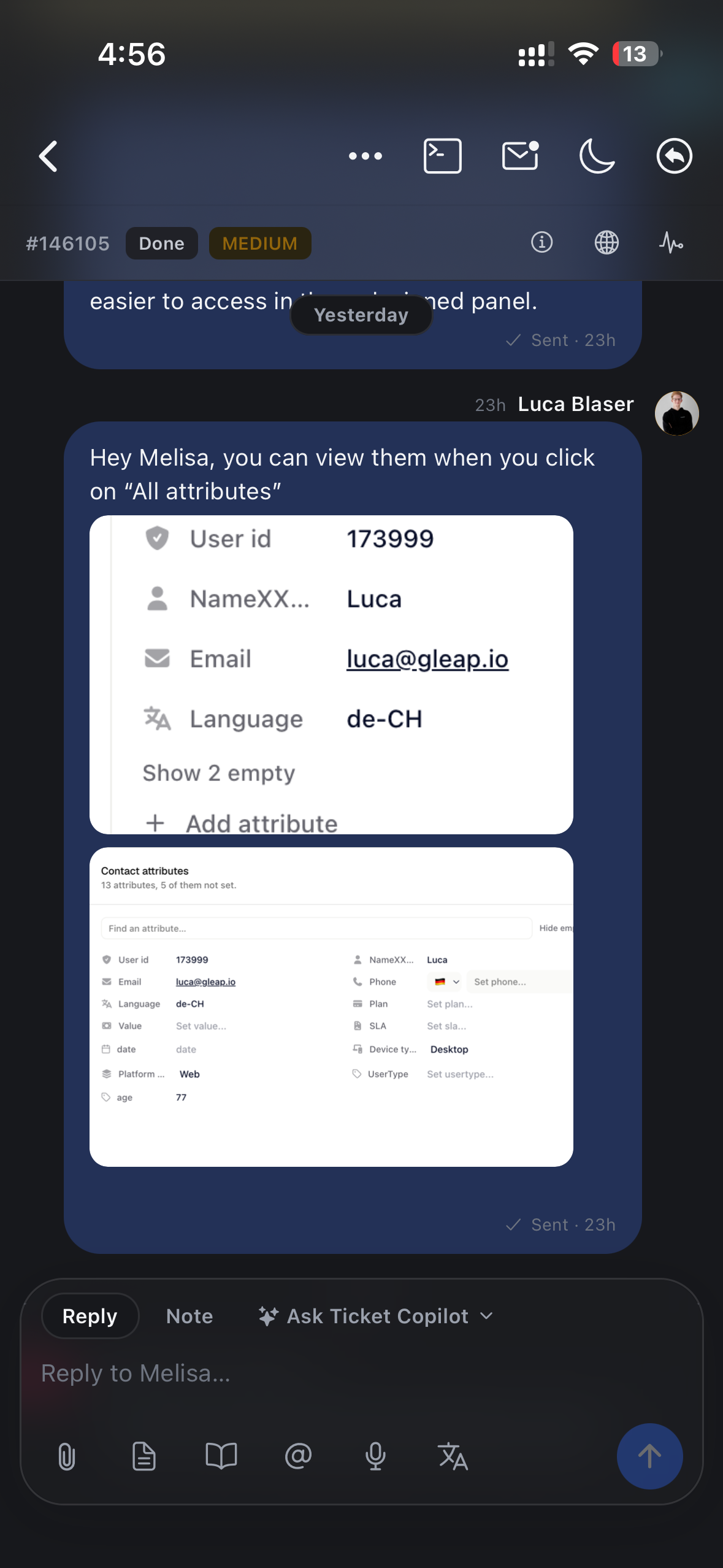
Read the full customer thread, see what Kai has already proposed, and send the next reply. You can attach photos from your library or camera and record a voice message instead of typing a long answer. Each asks for permission the first time, and declining doesn't affect anything else.
Open a coding session from your phone, watch its progress, and see the resulting pull request — including when it's ready for review and when it's been merged. This is the part most worth having on a phone: a fix can move from investigation to a reviewable pull request while you're away from your desk.
The activity feed gathers mentions, customer replies, AI tasks, and ticket updates in one place, so you can check what's waiting without reading every conversation.
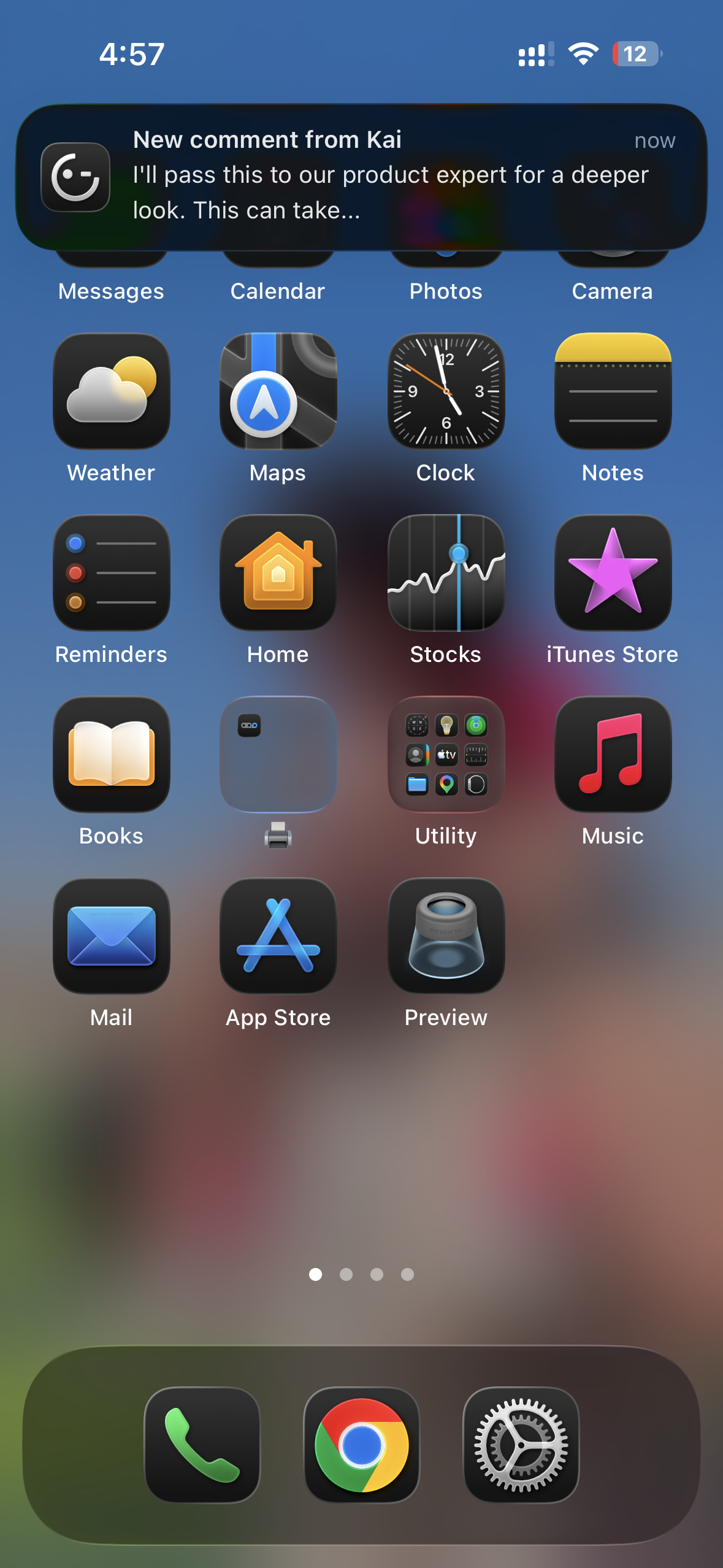
Allow notifications when the app asks, and you'll be told about new messages and replies as they arrive. If you dismissed that prompt, grant permission later in your phone's settings. Which conversations notify you is controlled in the app's notification settings.
Configuration work — settings, workflows, building agents, reports — is done in the web dashboard. The app is built for the work that happens during the day, not for setting things up.
There are also desktop apps for macOS, Windows, and Linux if you'd rather not keep Gleap in a browser tab.