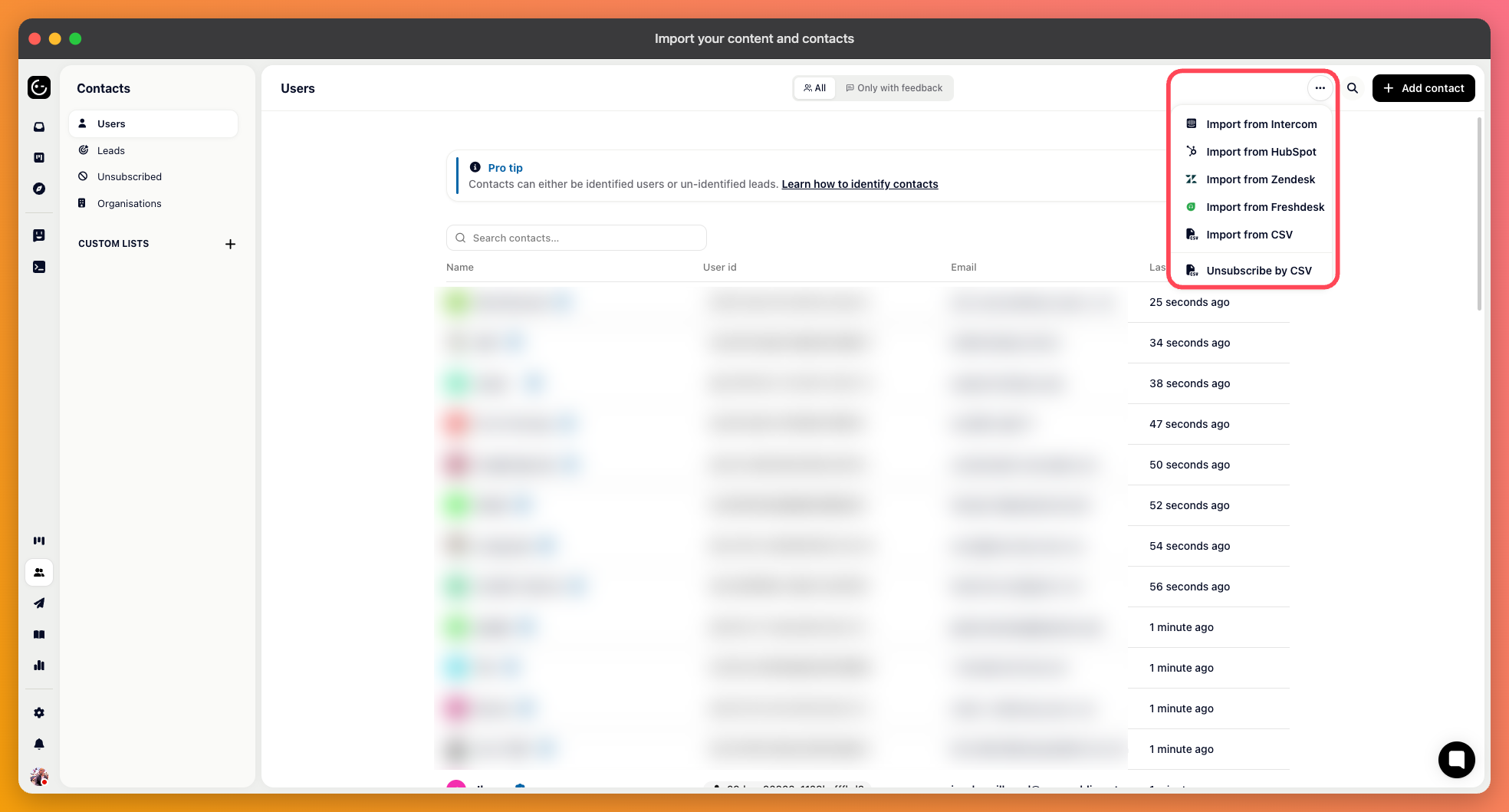
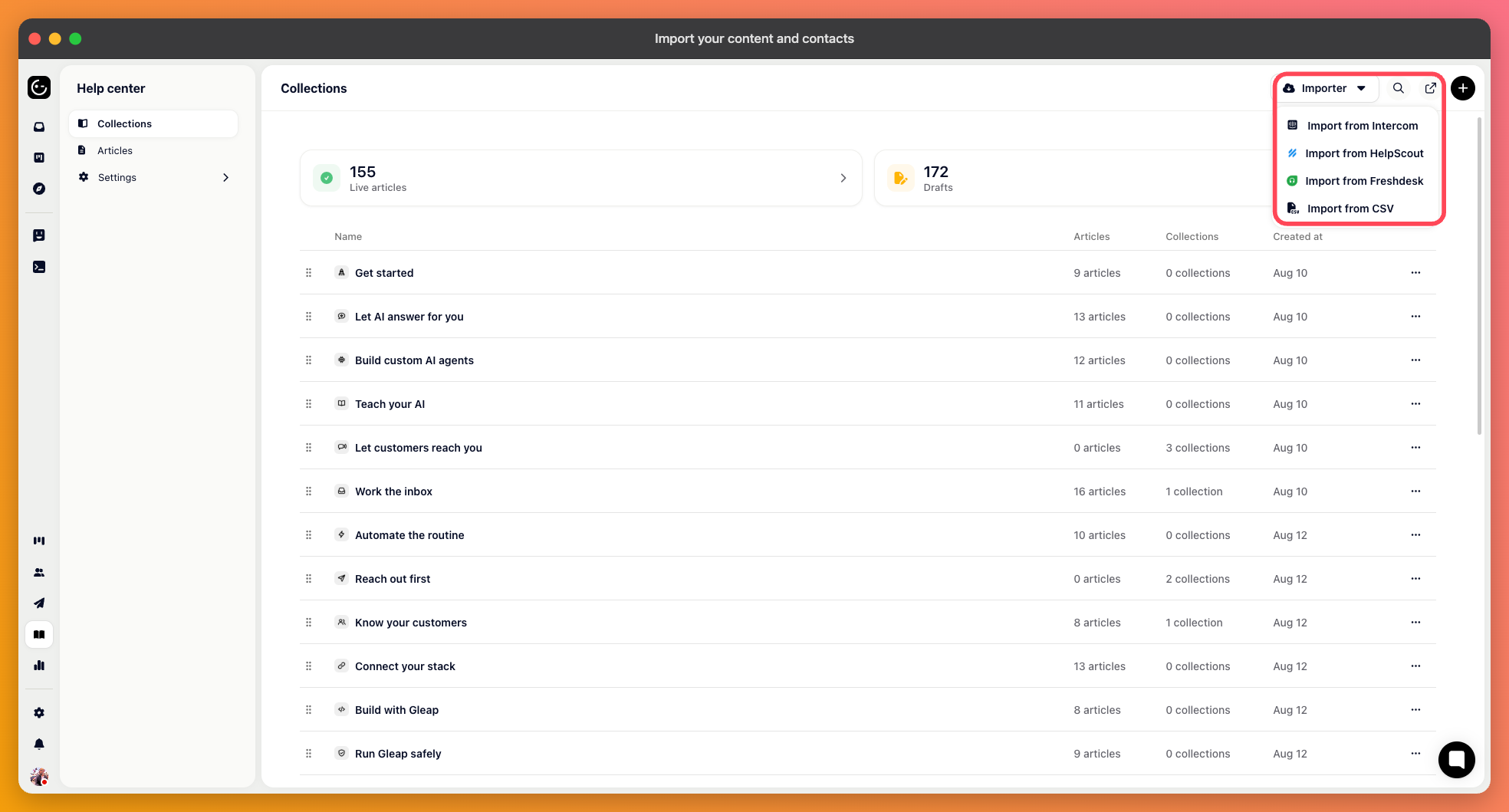
Gleap can import help center content, contacts, and past conversations from other tools. Which of those you get depends on where you're coming from — see "Switching to Gleap from another tool" for the full picture before you start.
Open the Help Center section and click Importer, then choose your source: Intercom, Help Scout, or Freshdesk. (To bring articles in from a spreadsheet instead, see "Import articles from CSV" below.)
Each importer needs access to your existing account, usually through an API token you generate there and paste into Gleap. Tokens are used for the import and not stored afterwards.
Intercom additionally asks which regional endpoint your workspace uses. Pick the one that matches your account:
US — api.intercom.io
EU — api.eu.intercom.io
Australia — api.au.intercom.io
Start the import and let it run. Collections and articles keep their structure, so you land with the same shape you had before.

Conversation history can be imported from Intercom, Zendesk, and HubSpot. Freshdesk and Help Scout imports cover articles only.
Large imports run in the background and continue across deployments, so you can close the tab. If an import is interrupted and you start it again, already-imported conversations are recognised and not duplicated.
Open Contacts, click Importer and choose Import from CSV.
Your file needs a header row with a clear label per column. Upload it, then map each column to a Gleap field. Fields marked with an asterisk must be mapped for the import to run. Anything you don't map is skipped.
Use the same user IDs your product sends through the SDK. Contacts then match up with live sessions instead of becoming a separate set of records.
For articles, the CSV needs a title, a description, and the HTML body of each article, plus three columns that place it: Collection ID, Collection Title, and Collection Description.
The Collection ID is what decides where an article lands. Articles sharing an ID end up in the same collection, and Gleap creates the collection if it doesn't exist yet. Give each collection a unique ID and keep its title and description identical on every row, or you'll end up with near-duplicate collections.
Check the mapping before you confirm. Correcting a bad import means deleting and re-running it.