Help articles do double duty: customers read them, and your AI answers from them. Writing with both in mind costs nothing extra and roughly doubles an article’s value.
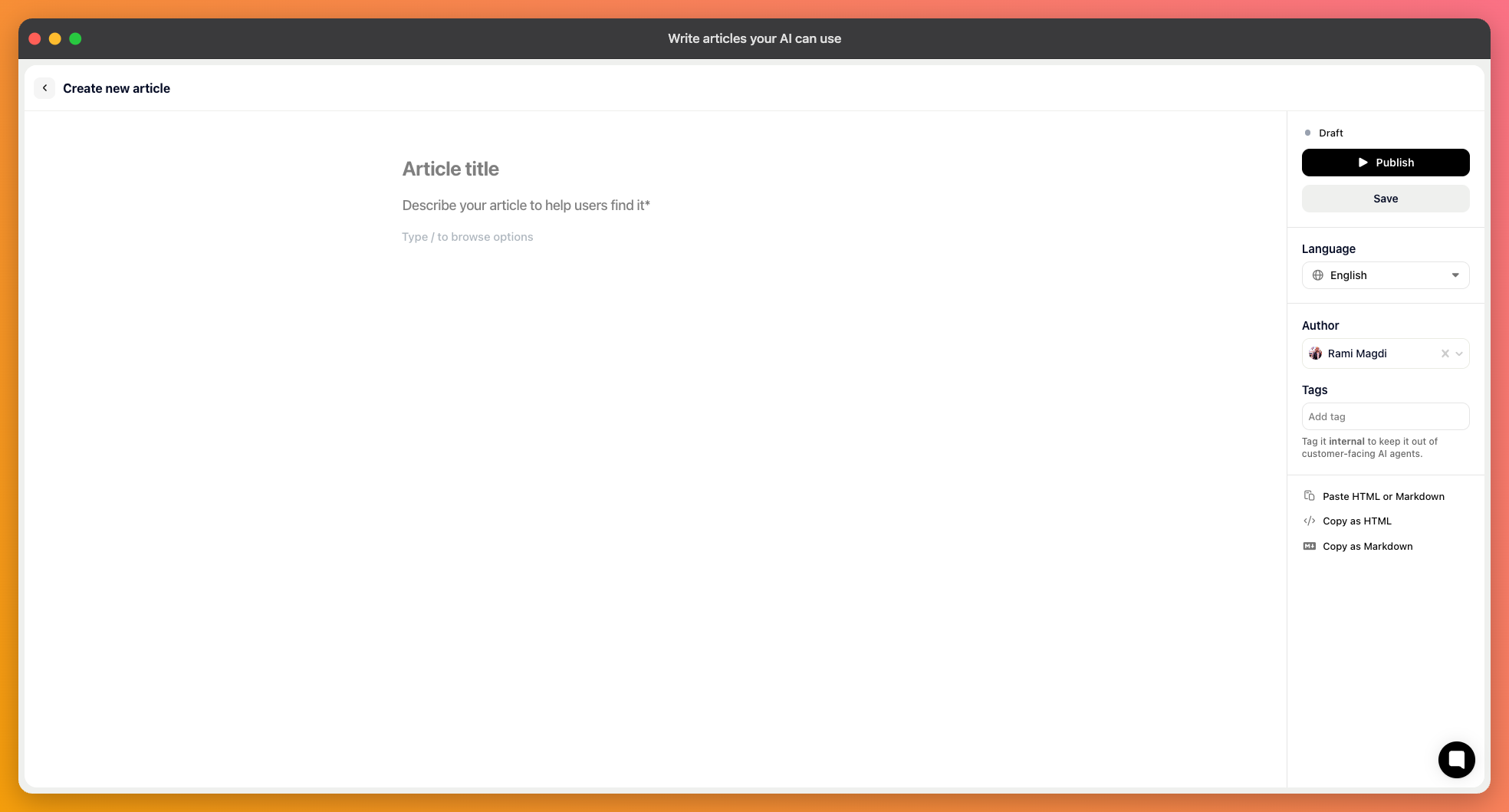
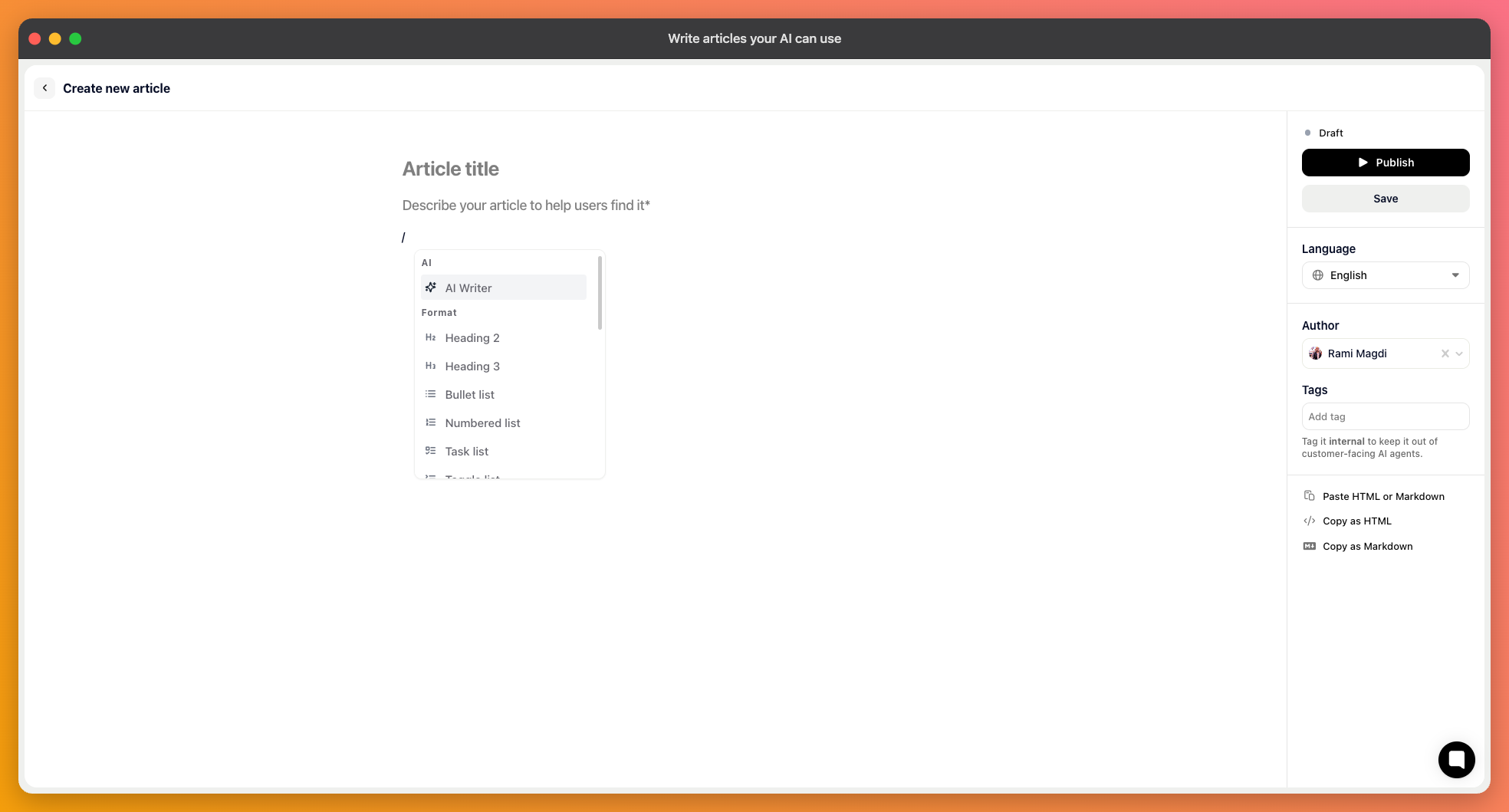
Open your help center, pick the collection it belongs in, and add an article. You'll fill in a title, a description, and the body, and can set an author and the language.
The description isn't decoration. It's what people see in search results and lists, and it's part of what the AI matches a question against, so write a real sentence about what the article answers rather than restating the title.
A new article stays a draft until you publish it. Drafts are invisible both publicly and to the AI, so nothing you write counts until it's out.
Editing an already published article works differently, and it's worth knowing. Your changes are held as a draft on top of the live version, which keeps serving in the meantime. Two buttons then appear: Publish changes to make them live, or Discard draft to throw them away and keep what's published.

The single most useful habit. An article that covers setup, pricing, and troubleshooting matches every question a bit and none of them well.
Title it as the question a customer would ask, not as a feature name. “Why is my export empty?” gets found; “Export module” doesn't.
Write the words people actually use, including the ones you consider wrong. If customers say “invoice” and you call it a “billing document”, put both in — the article is matched against how the question was phrased, not against your glossary.
Your inbox is the source for this. The phrasing in real tickets is exactly what needs to match.
Documentation tends to describe what works, which leaves the AI with nothing to say about limits. If a plan doesn't include something, if a feature is web-only, if two settings can't be combined — write it down. Without it, the AI can only fail to find an answer, and a customer who is told “no, and here's the alternative” is better served than one left guessing.
Repeating a price, a limit, or a deadline across several articles guarantees they will disagree eventually, and then the AI is sometimes right and sometimes wrong about the same question. Put the fact in one article and link to it from the others.
Each article can carry tags and be limited to an audience. Tags are how you keep internal material out of customer answers while still letting your own team's agents use it, which is worth setting up before you write anything you wouldn't want quoted back to a customer.