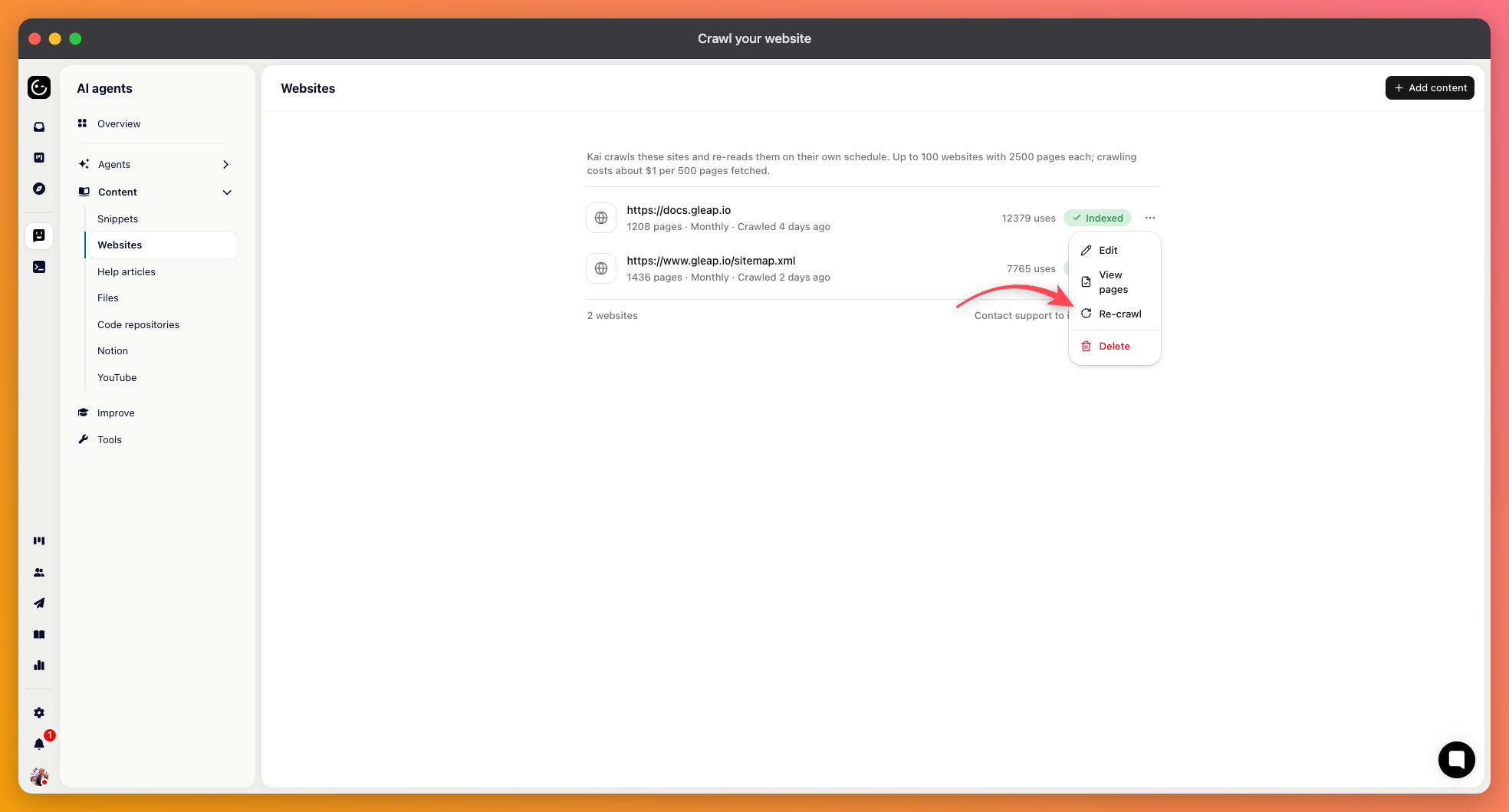
If your documentation lives outside Gleap, crawling is the fastest way to make it answerable. Add a Website source and give it either a URL to start from or a sitemap.
A sitemap is the better option when you have one. It tells the crawler exactly which pages exist instead of leaving it to discover them by following links.
The default of “everything reachable” is rarely what you want, because most sites contain a lot that shouldn't inform support answers.
Include and exclude paths take patterns like /articles/*. Including your documentation path is usually enough; excluding is for the odd section inside it that shouldn't be there.
Follow links controls whether the crawler moves beyond the pages it started with.
Ignore query parameters stops the same page being collected many times over because of tracking or filter parameters.

Under the advanced options, you can name the parts of a page to keep or drop, using element or selector names such as article or #title. This matters more than it sounds: without it, every page contributes its navigation, footer, and cookie banner as well, so the same boilerplate appears hundreds of times in what the AI reads.
Including the main content element alone usually produces a much cleaner result than any amount of path filtering.
If the pages need a header to be reachable — a token, a bypass for a staging guard — you can add custom headers to the crawl.
You can limit the crawl speed with a delay between requests and a cap on parallel requests. Worth setting if the site is on modest hosting, or if your infrastructure team would rather not see a burst of traffic they can't explain.
Turn on the monthly automatic recrawl. A crawl is a snapshot, and a source that quietly describes last quarter's product is worse than no source at all — the AI has no way to know its information has aged.
You can also re-crawl by hand after a documentation update rather than waiting for the schedule.
Each source shows its progress — requested, running, finished, or failed — and lets you view the pages that were collected. Look at that list the first time. It's the quickest way to find out that you indexed three hundred blog posts, or that the pages you wanted are missing because they're rendered in a way the crawler couldn't read.