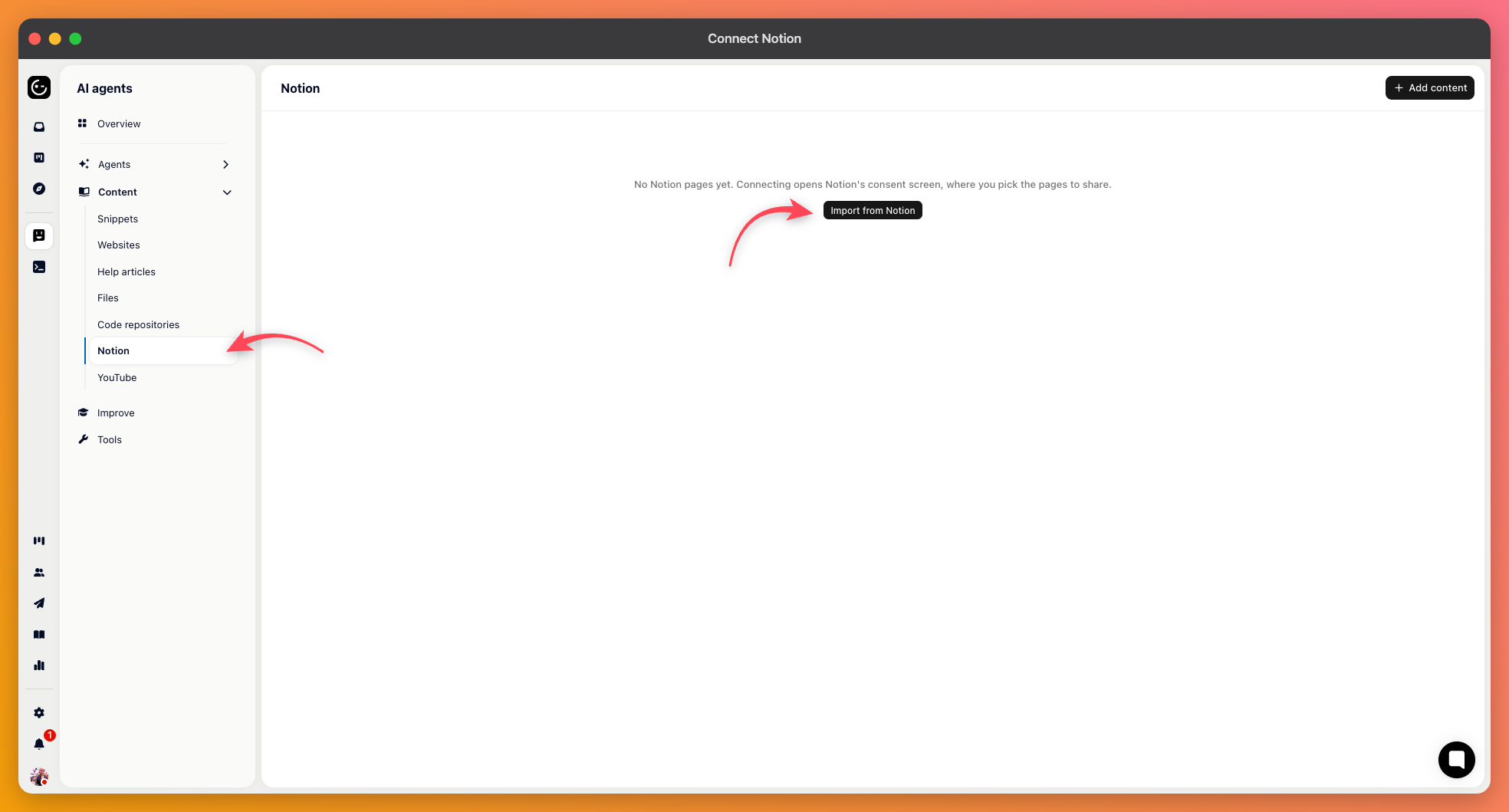
For a lot of teams the real documentation lives in Notion, not in a help center. Connecting it means the AI can answer from what you've already written.
Add a Notion source and authorise the connection. Notion asks which pages Gleap may access — that choice is made on Notion's side, and it's the outer boundary of everything below. A page you don't grant access to can't be imported later.
Then you make two decisions.
One-time import takes the selected pages as they are now. Right when you're moving content out of Notion anyway, or importing something finished that won't change.
Sync content keeps following your pages as they're edited. Right when Notion stays the source of truth.
Sync is usually the better choice for living documentation, for the same reason a one-off crawl goes stale: nobody remembers to refresh an import, and the AI can't tell that what it's reading is out of date.
This is the decision worth pausing on.
Respect Notion permissions — public pages stay public, and private pages become internal-only snippets. The AI can use them when helping your team, but they don't surface to customers.
All public — everything imported is treated as publicly available to the AI, regardless of how it's set in Notion.

Respecting Notion's permissions is the safer default, and it has a pleasant side effect: your internal pages become useful to agents working on tickets without any risk of them being repeated outward.
The source lets you manage which content is included, re-sync immediately rather than waiting, and disconnect the workspace. Disconnecting removes the connection, so do it deliberately rather than to troubleshoot.
After the first import, read a few of the imported pages as text. Notion documents lean on layout — toggles, columns, callouts, databases — and a page that reads clearly in Notion can arrive as something much flatter. Pages that turn out badly are usually better rewritten as a short article than left in.