Some of what you'd like the AI to know shouldn't be repeated to a customer: internal policy, the wording you use about a known issue, escalation thresholds. Tags and scopes let both be true at once — your team's agents read it, the customer-facing bot doesn't.
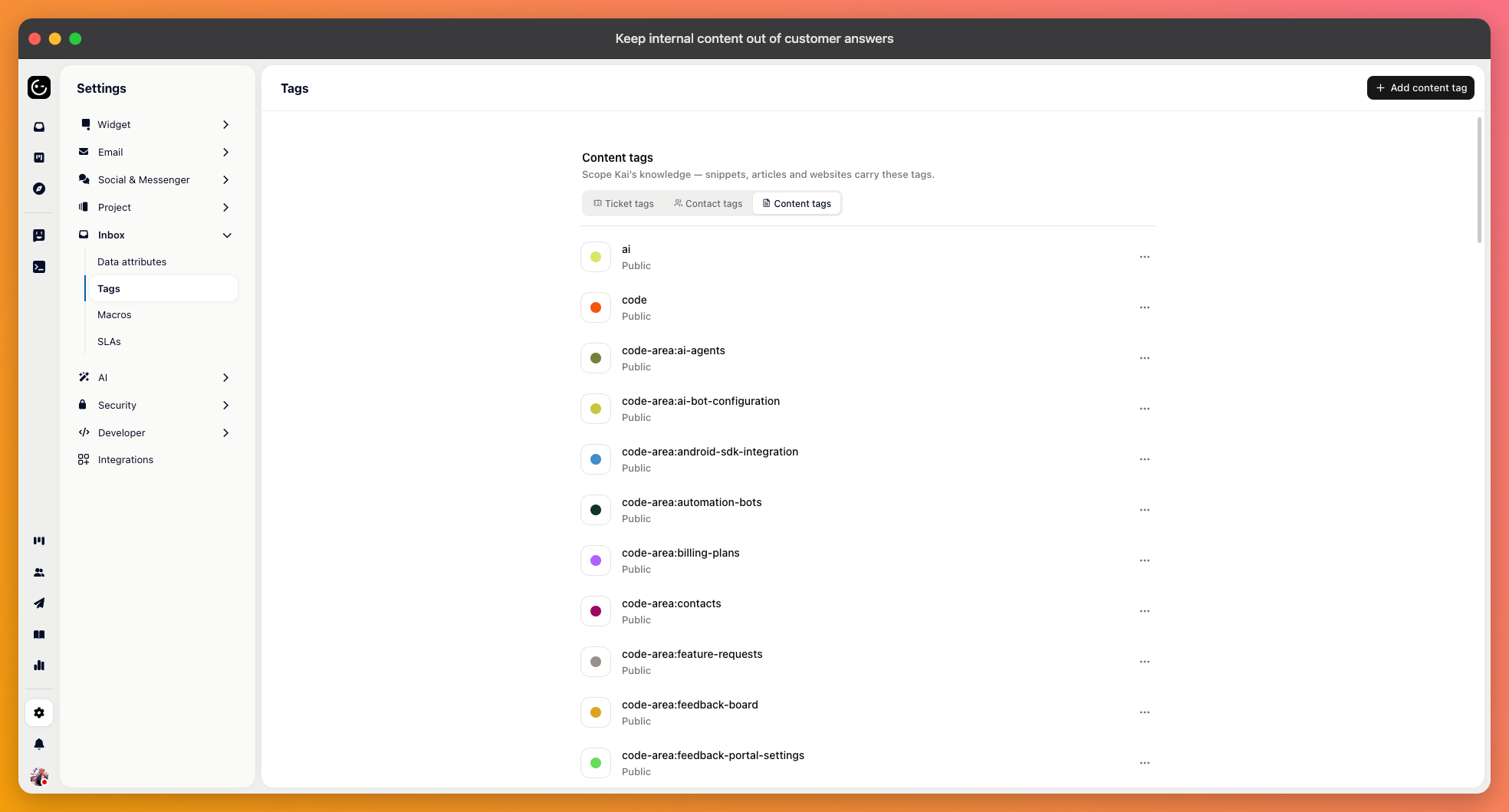
Tags sit on the content itself. Help articles have a tag field in the editor, and crawled website sources can be tagged as a whole, so everything from one crawl carries the same label.
Notion handles this for you if you ask it to respect Notion's permissions: private pages arrive as internal-only material automatically, with no tagging on your part.

Where an AI's knowledge is configured, you choose a scope:
All knowledge — everything connected, without filtering.
Only these tags — nothing but the tags you name. Use this for a specialist that should stay in its lane, such as a billing agent restricted to billing material.
All except these tags — everything apart from what you name. The usual choice for anything customer-facing.
Unless you change it, the customer-facing default already excludes content tagged internal. So tagging something internal is enough to keep it out of customer answers — you don't also have to configure a scope.
In three places, from broad to narrow:
On Kai, as the project-wide default for anything that doesn't set its own.
On the answer step inside a workflow, when one flow should see something different from the rest.
On a custom agent's knowledge search tool, so each agent has its own view.
The narrower setting wins where one exists, which is what lets an internal agent read everything while the customer-facing bot on the same content stays restricted.
Tag one article as internal, then ask about it in your own messenger. It should not be used in the answer. Ask the same thing of an internal agent scoped to all knowledge, and it should.
Do this once when you set it up, and again after adding a new source. A crawl or an import brings in material nobody has reviewed, and it arrives untagged unless you tag the source.