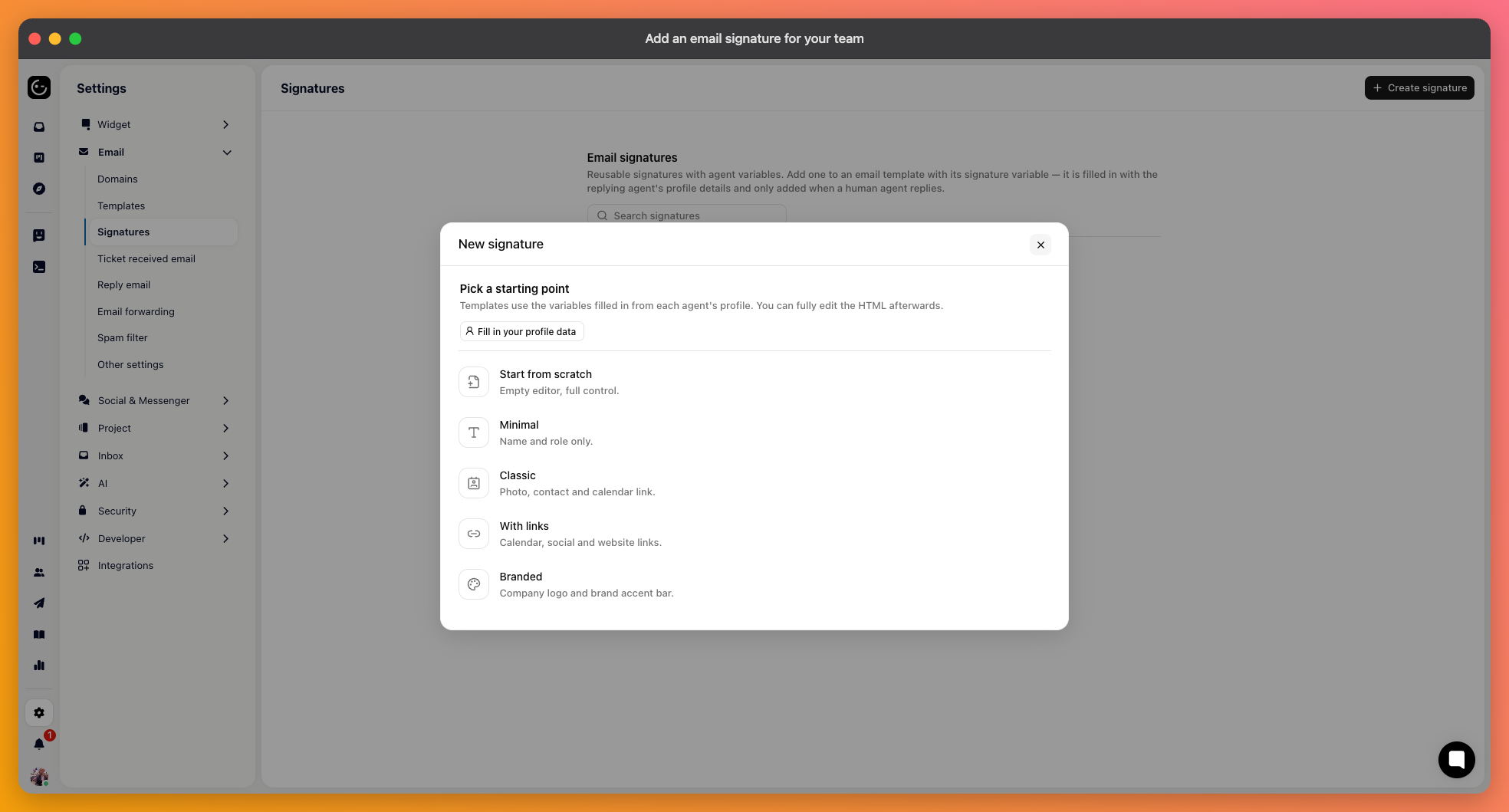
A signature is built once for the whole team and filled in per person when an email goes out. Nobody maintains their own, and everything stays consistent when someone changes job title.
In your email channel settings, open Signatures and create a signature. You write the layout once, using placeholders where each person's own details belong.
For the person sending the message:
{{user.firstName}}, {{user.lastName}}, {{user.jobTitle}}, {{user.department}}
{{user.email}}, {{user.phone}}, {{user.photo}}
{{user.calendarLink}} and {{user.otherLink}} — for booking a call or linking a profile.
And for the organisation: {{company}} and {{companyLogo}}.

Assume some fields will be empty. A signature that depends on a phone number looks broken for the half of your team who don't have one on file, so put optional details on their own line rather than in the middle of a sentence.
Keep it short. A signature repeats on every message in a thread, and four lines that were charming the first time are tiresome by the fifth reply. Name, role, company — anything beyond that should earn its place.
Send a reply from a teammate's account rather than judging it in the editor. The editor shows placeholders; the email shows what happens when someone's job title is longer than you expected, or when a photo is missing.