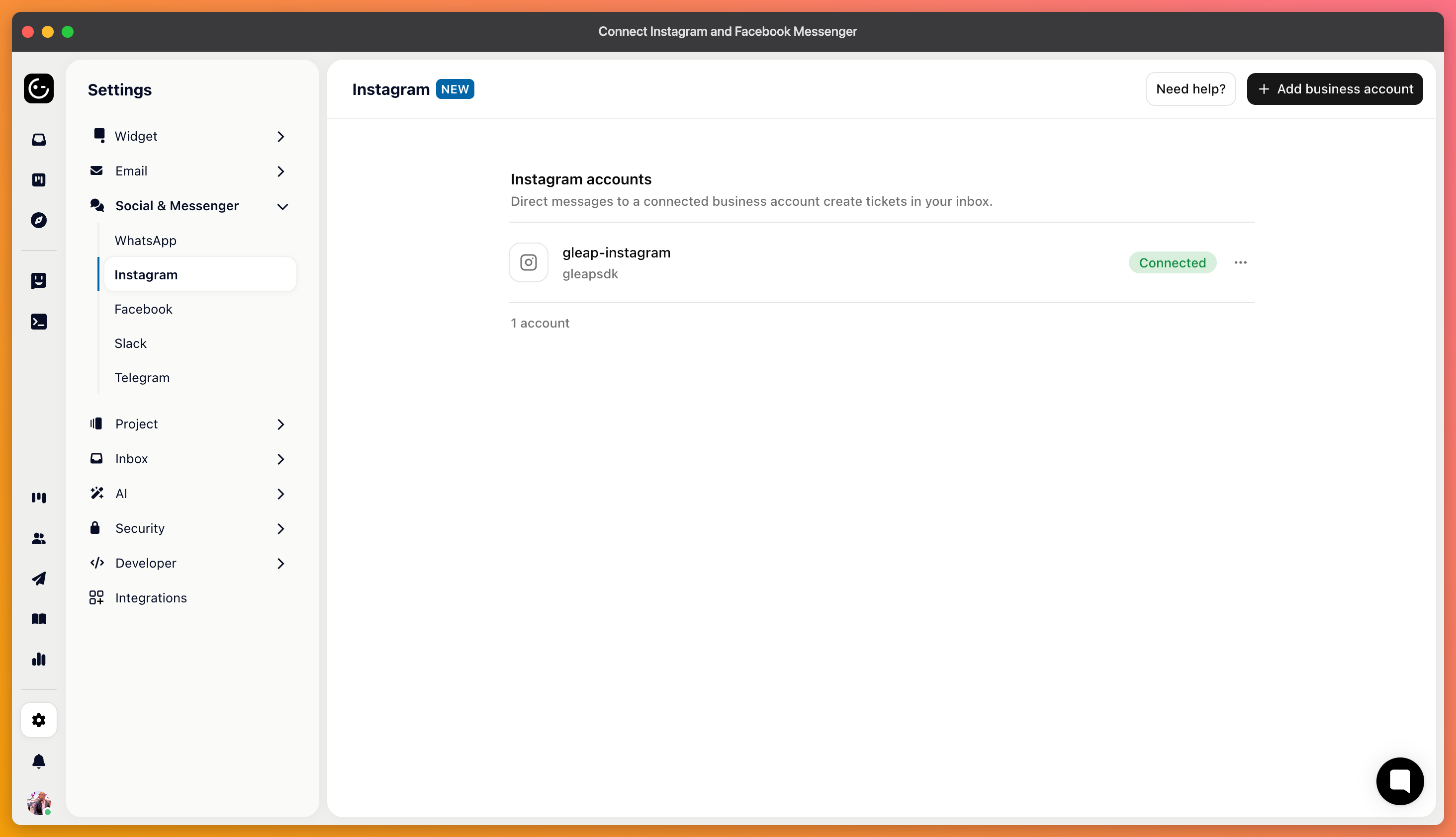
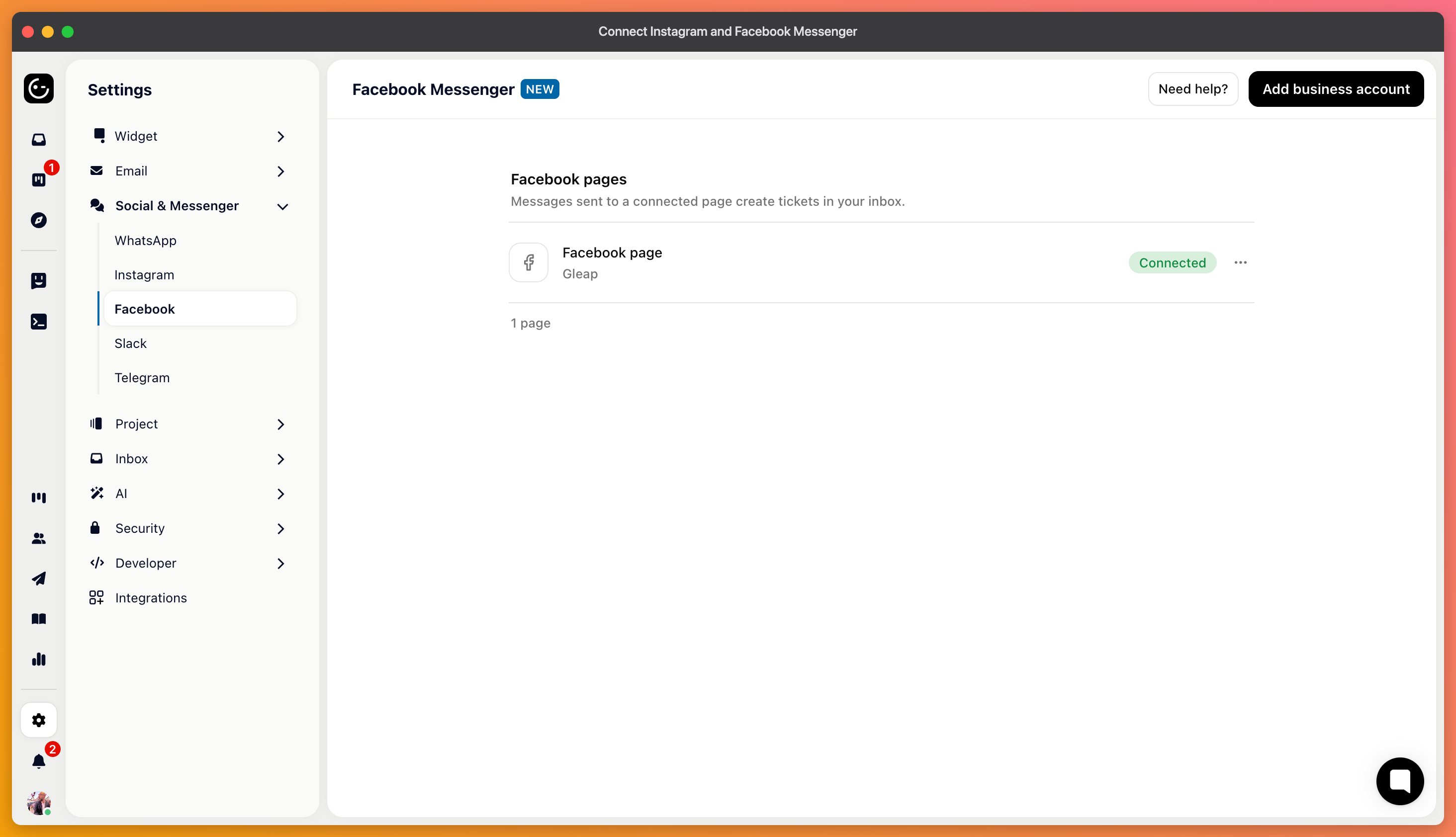
Both channels come from Meta and connect the same way: you authorise Gleap against the account, and direct messages arrive as tickets your team answers from the inbox rather than from a phone.
For Instagram, a business account — a personal one can't be connected, and switching is done in Instagram's own settings. For Facebook, a page rather than a personal profile.
In both cases you need admin rights on the account. Connecting with an account that only has partial access is the usual reason a connection appears to work and then delivers nothing.
In your project's channel settings, add the channel and authorise it. Meta asks which account or page Gleap may access — grant the permissions it asks for, since messaging permission is what the whole thing depends on.
Then send yourself a direct message from another account and check it arrives, and that your reply comes back.

People message a brand on Instagram the way they'd send a text — short, informal, often from a phone in a queue. Expect less detail than in an email, and questions that arrive without any context about who is asking.
That makes short replies work better here than the thorough answer you'd send by email, and it makes the response length setting worth revisiting if you let Kai answer on these channels.
You get the account that messaged you, not an email address or a customer record. Matching that to a customer in your own system is manual, so if a conversation turns into something account-specific, it's normal to ask them to confirm an email address before you act.
Meta also limits when a business may message someone who hasn't written recently, in the same spirit as WhatsApp. Treat these channels as places to answer rather than places to start conversations.