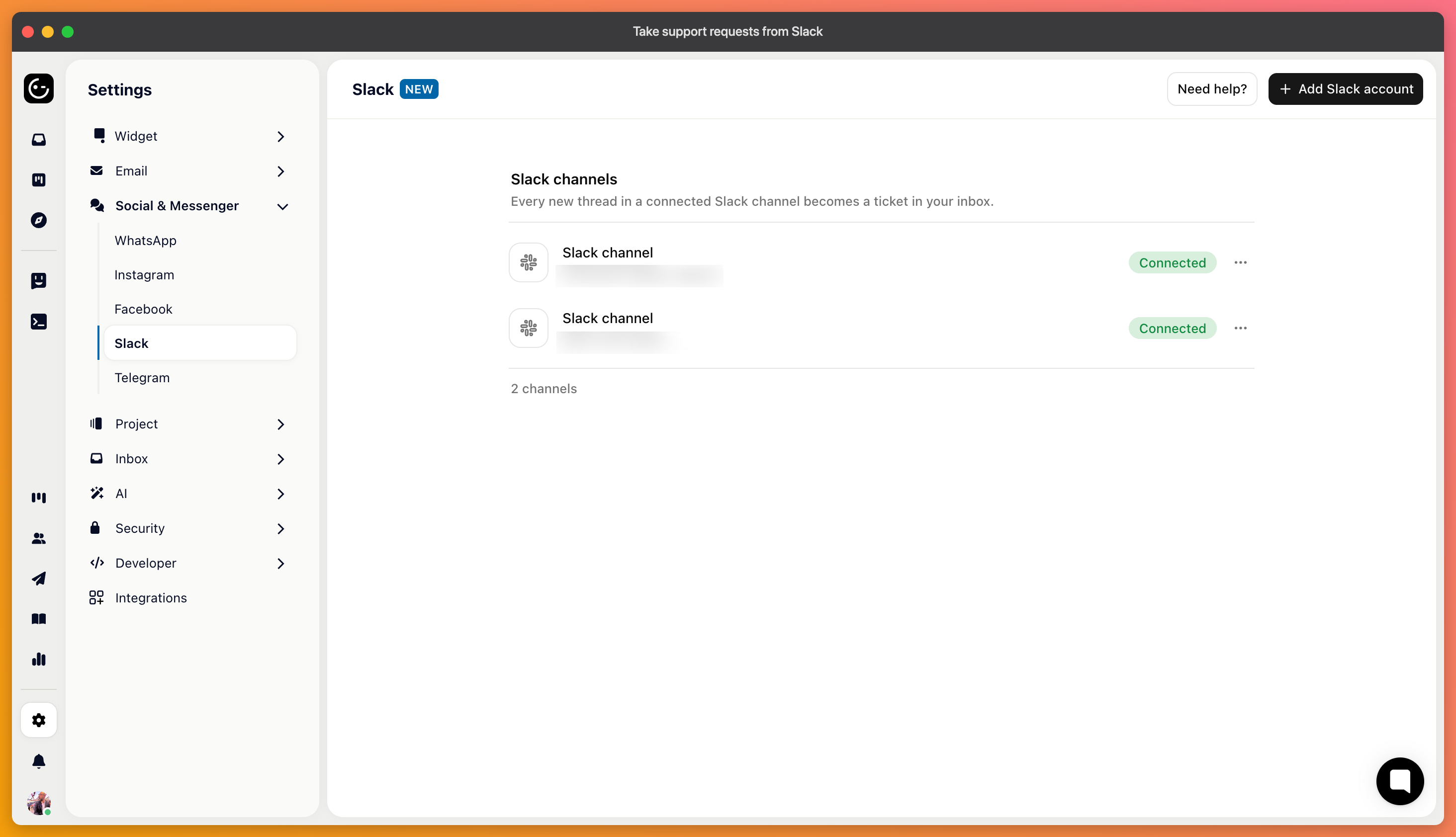
Connect a Slack channel, and messages posted there become tickets. Your replies go back as replies in the same thread, so the person who asked never leaves Slack while your team works in the inbox.
This is mostly used for internal support — an IT help channel, a channel where colleagues ask the product team questions — and for shared channels with customers who prefer Slack to email.
In your project's channel settings, add a Slack account and authorise the connection. Then pick the channel to connect — you have to choose one before saving.
Post a message in that channel and check it arrives as a ticket, then reply from Gleap and confirm the answer appears as a thread reply rather than as a new message in the channel.

The useful part is that nothing changes for the people asking. They post as they always did, and answers arrive in the thread. What changes is on your side: the request is now tracked, assignable and measurable instead of scrolling away.
It also means answering in Slack directly bypasses all of that. If your team keeps replying in the channel by hand, the tickets sit unanswered while the question is long resolved — worth agreeing on before you switch it on.
Kai can answer here like anywhere else, provided the workflow has Slack switched on. For an internal help channel, this works well, because the questions repeat and the answers usually exist somewhere already.
It's also the natural place for internal knowledge: material tagged so it stays out of customer answers is exactly what an internal Slack channel needs, and this is where that scoping earns its keep.