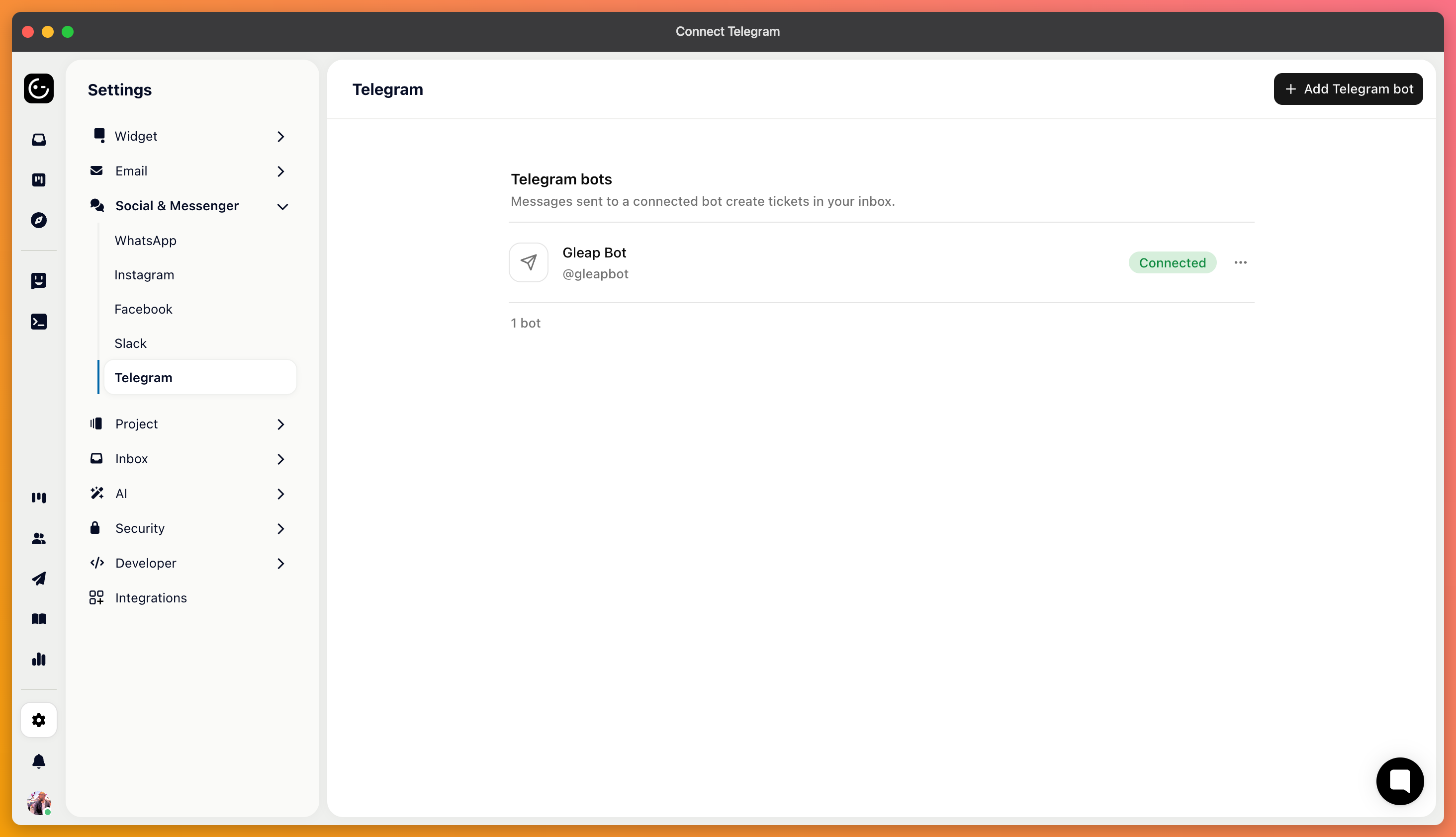
Telegram is the least bureaucratic channel to connect. There's no business account to verify and no app review — you create a bot, paste its token, and messages start arriving.
In Telegram, search for @BotFather — Telegram's own bot for making bots — and start a chat with it.
Send /newbot and follow the prompts. You'll choose a display name and a username; the username has to end in “bot” and is what customers search for, so pick something recognisable rather than something clever.
BotFather then gives you a token.
In your project's channel settings, add a Telegram bot and paste the token. That's the whole setup.

Message your own bot from a personal Telegram account and check that the conversation appears and your reply comes back.
BotFather can also set a profile picture, a description and the “what can this bot do” text that customers see before they start. It takes two minutes and is the difference between a bot that looks official and one that looks abandoned.
Then put the bot's link somewhere customers will find it — your contact page, your footer. Unlike email, nobody discovers a Telegram bot by accident.
Messages are short and conversational, much like Instagram, and you know a Telegram account rather than a customer identity — so treat anything account-specific with the same care.
If you want Kai answering here, remember the workflow has to have Telegram switched on. A channel that's connected but not enabled in any workflow simply collects messages nobody answers automatically.