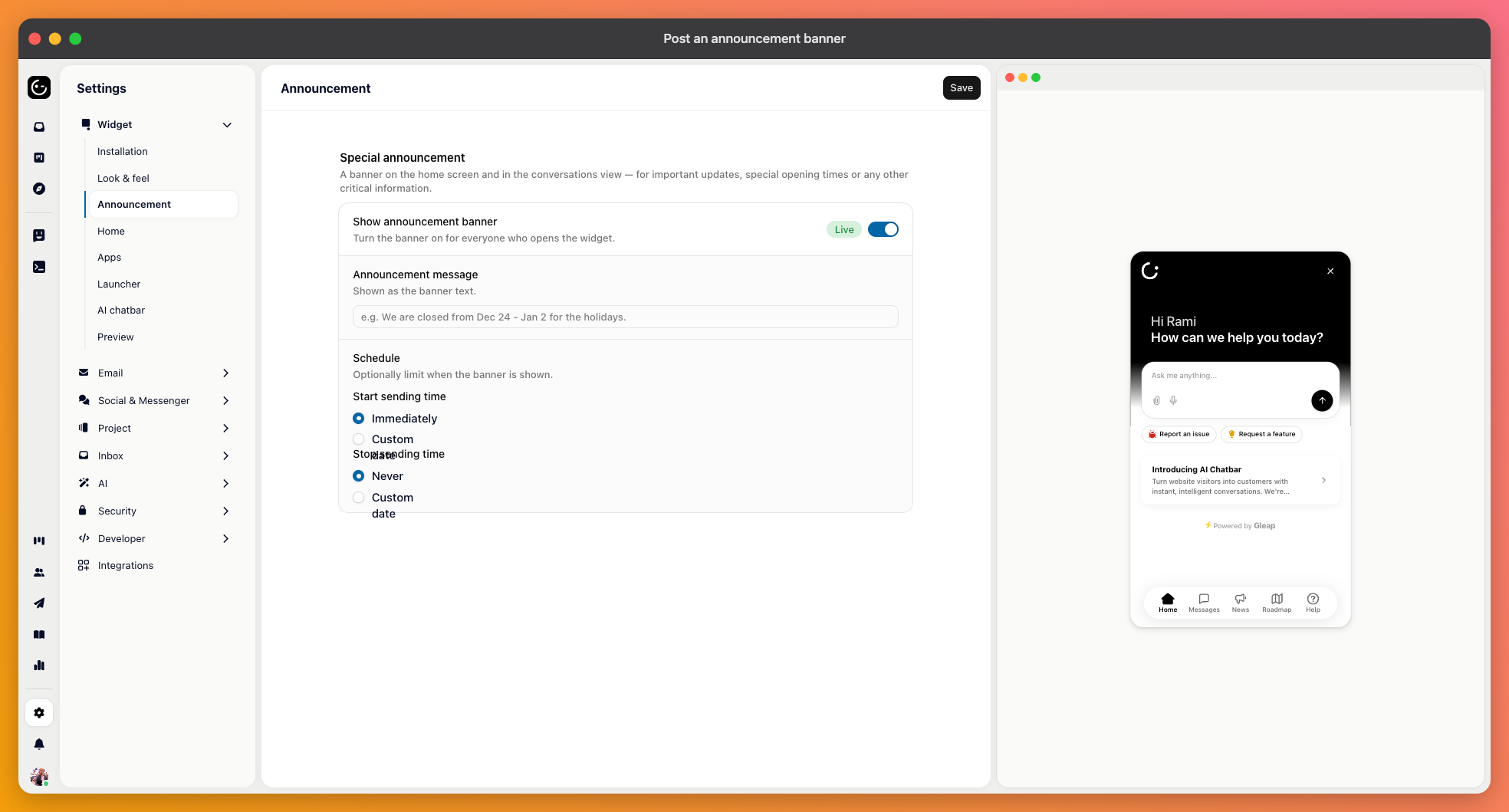
When something is wrong, everyone writes in at once about the same thing. The announcement banner is a short notice shown at the top of the messenger, so people see it before they start typing.
In your widget settings, open the announcement section, switch the banner on, and write the message. You can also set a start and a stop time, which is what makes this practical rather than another thing to remember.
Scheduling both ends is the point. A banner that outlives the problem trains customers to ignore banners, and the person who could remove it is usually the person still fixing the problem.
You have one or two lines, so spend them on what the customer needs: what's affected, and when you'll say more.
“Uploads are failing for some customers. We're on it and will update here by 15:00.”
“Scheduled maintenance on Sunday 02:00–06:00 UTC. The dashboard will be unavailable.”
Avoid “We are aware of an issue and are investigating” on its own. It names nothing, promises nothing, and people write in anyway to ask whether their problem is the issue.

When it's over, take the banner down and consider a news post instead — what happened, what you did about it. The banner keeps people calm during the incident; the news post is what closes it properly for anyone who cared enough to notice.